About
This procedure shows how to revert unsent commands that were made for a group of devices.

This procedure shows how to revert unsent commands that were made for a group of devices.
IMS main sidebar > >
Click .
The window will be prompted.
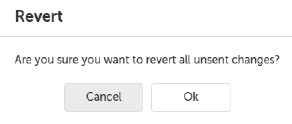
Click .
All unsent changes will be deleted.