About
This procedure explains how to unregister a device from the list in . The device is registered in IMS but has not been connected to IMS before.

This procedure explains how to unregister a device from the list in . The device is registered in IMS but has not been connected to IMS before.
IMS main sidebar > >
Click on the desired device to unregister it.
The side window will be prompted.
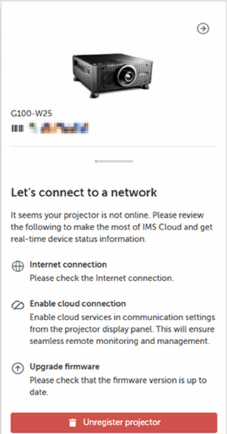
Click .
The window will be prompted.
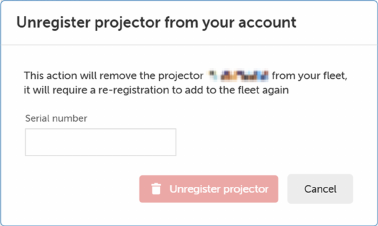
Click .
