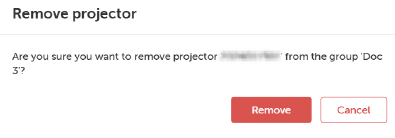
How to removeSelect the group by clicking on the group name from the Projector groups sidebar.Click on the delete icon on the right side of the projector line.The Remove projector window will be prompted.Image 5–7 Click Remove.