Prerequisites
- Only users with the role can assign or change roles for other users.

IMS main sidebar > >
Click the button next to the user whose role needs to be changed.
The window will be prompted.
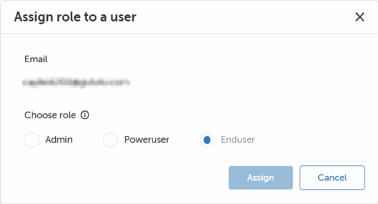
Click .
A success message appears confirming the role assignment.
