General
The Auto System Setup menu has no submenus.

The Auto System Setup menu has no submenus.
Press the Adjust knob to enter the Setup Menu.
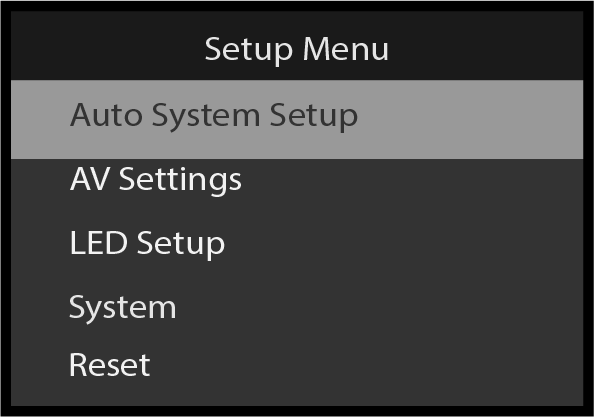
Auto System Setup is the first submenu of the Setup Menu; it is already highlighted in gray.
Select Auto System Setup.
The system displays a warning message.
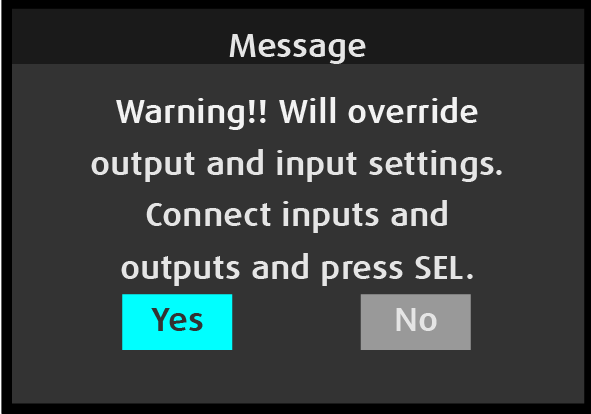
Auto System Setup performs two operations.
The PDS-4K presentation switcher supports displays operating at 23.98 Hz, 24 Hz, 25 Hz, 30 Hz, 50 Hz, 59.94 Hz, and 60 Hz. If a connected HDMI display does not operate at 23.98 Hz, 24 Hz, 25 Hz, 30 Hz, 50 Hz, 59.94 Hz, or 60 Hz, or if no HDMI display is connected to an output, the system displays error messages.
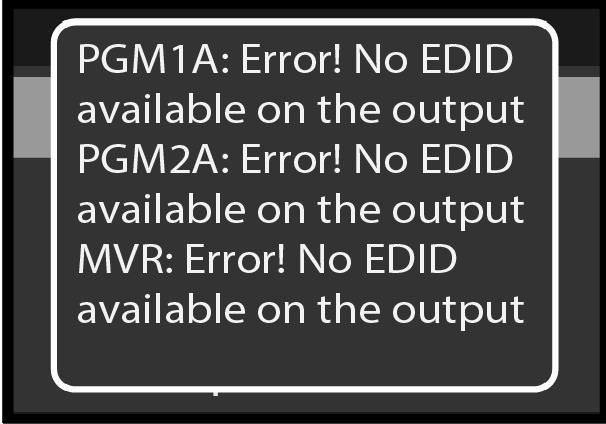
In the setup that generated the sample error messages shown in Image 5–5 no video cables were connected to the PDS-4K.