General
This section provides information about the Reset menu.
To enter the Reset menu from the System menu, scroll to and select Reset.
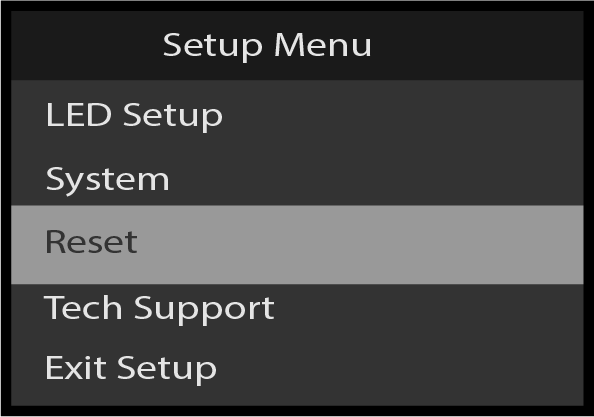
Use the Reset menu to perform a factory reset.

This section provides information about the Reset menu.
To enter the Reset menu from the System menu, scroll to and select Reset.
Use the Reset menu to perform a factory reset.
Refer to Image 5–309 for an illustration of the Reset menu tree.
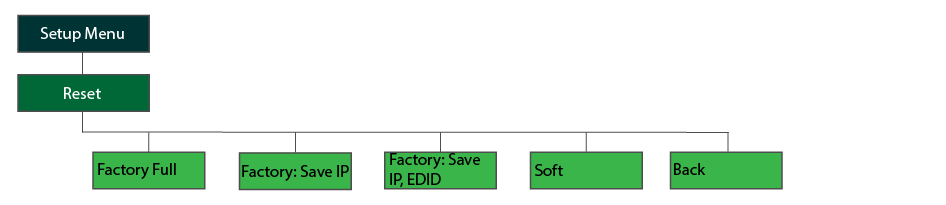
Press the adjust knob to select Reset.
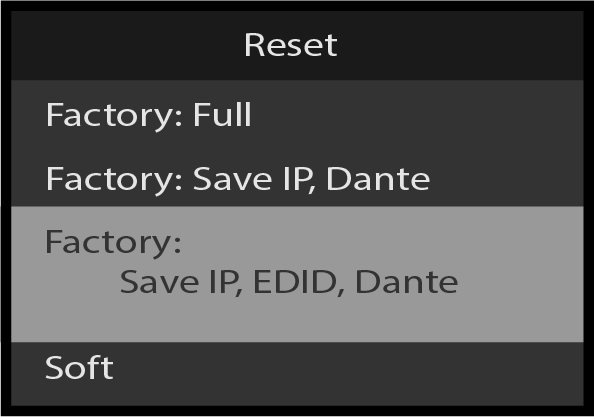
Select the type of reset to perform, for example, Factory: Full.
The system displays a confirmation message, depending on which reset option was selected.
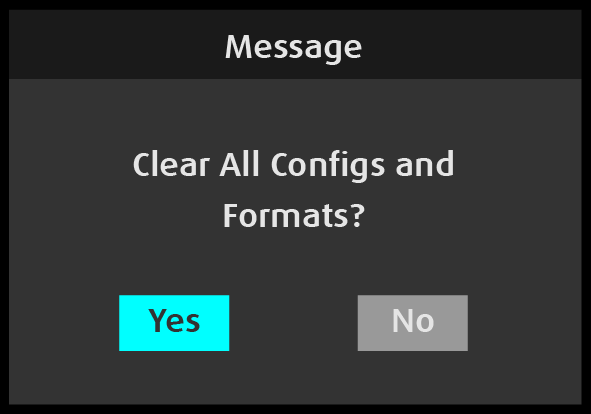
Select Yes.
The system resets, and while resetting it displays an “In Progress” screen, then the Barco splash screen, then it displays another progress screen.
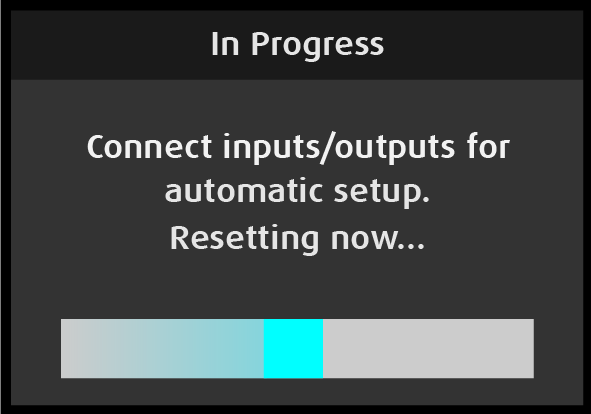

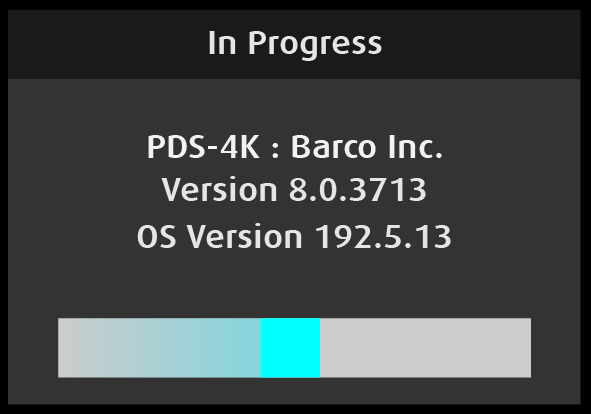
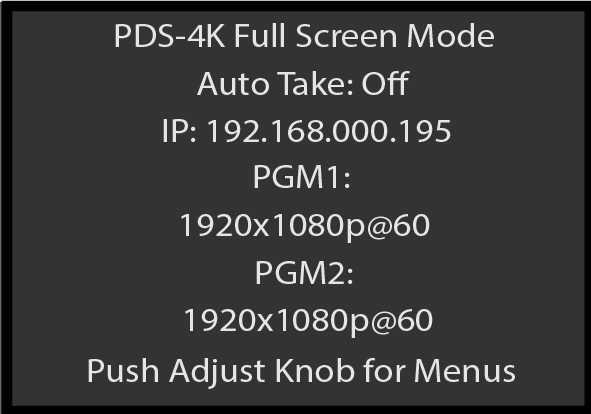
When the system has been reset, the system displays the System Status screen.