Required tools
Phillips screwdriver PH2

Phillips screwdriver PH2
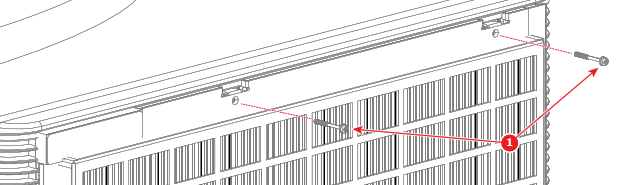
Remove the two screws (reference 1) securing the filter assembly to the projector. Use a Phillips PH2 screwdriver.
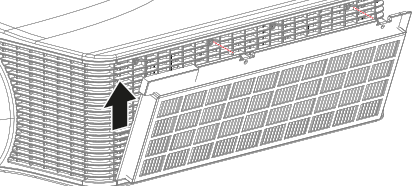
Detach the filter assembly from the projector, pushing slightly up to release the clips on the bottom.
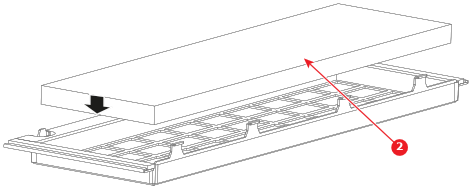
Remove the dirty filter from the filter holder and insert the new filter (reference 2).

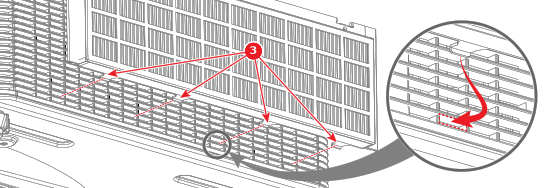
Attach the filter assembly onto the projector using the four clips (reference 3) positioned at the bottom of the filter holder.

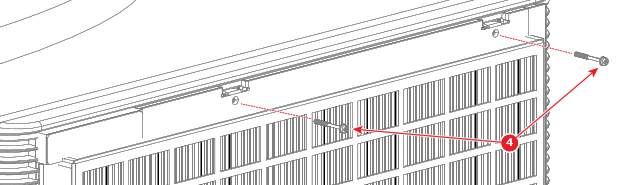
Secure the filter assembly to the projector with two Phillips PH2 screws (reference 4).