Required tools
Allen wrench 2.5 mm

Allen wrench 2.5 mm
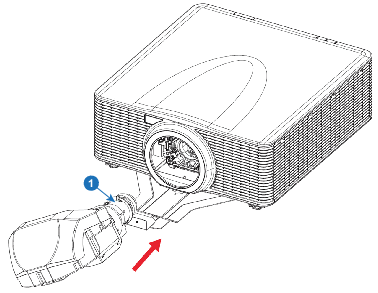
Insert the UST lens to the projector with the TOP mark aligning to the top of the projector.
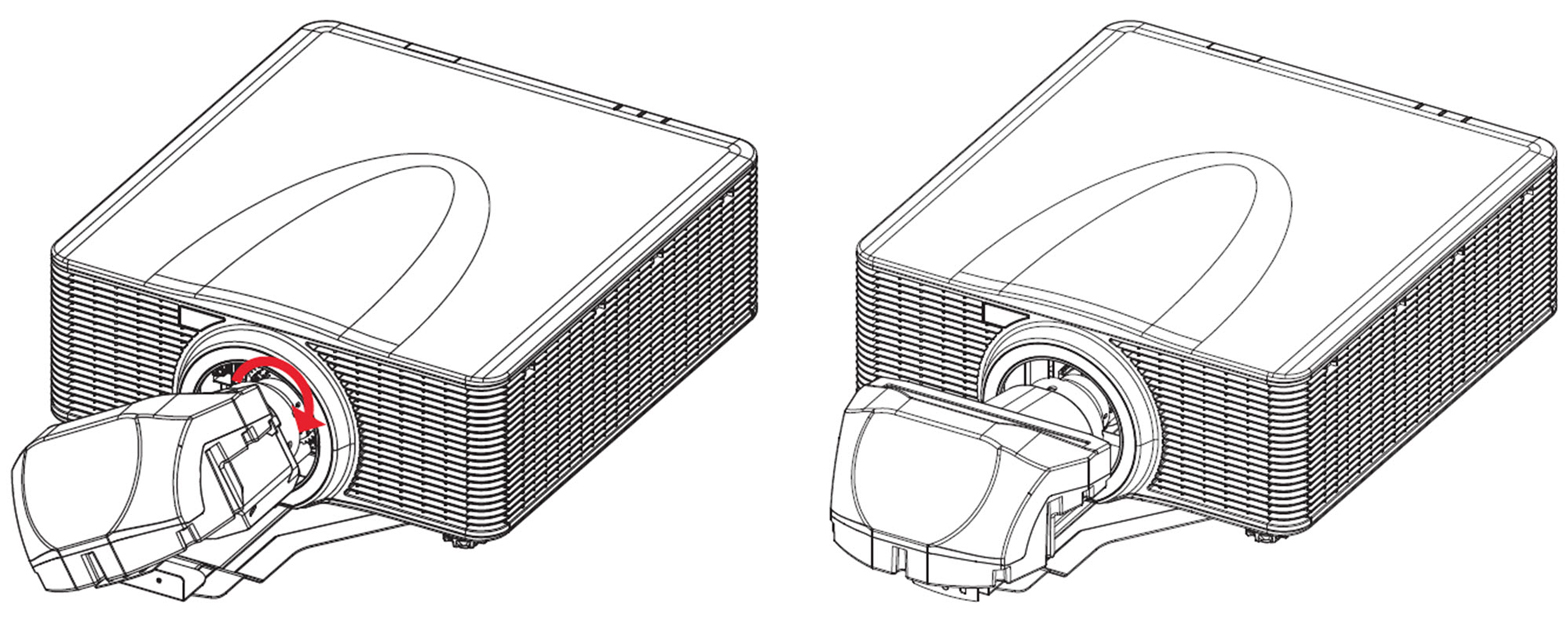
Rotate the UST lens clockwise to lock the lens.
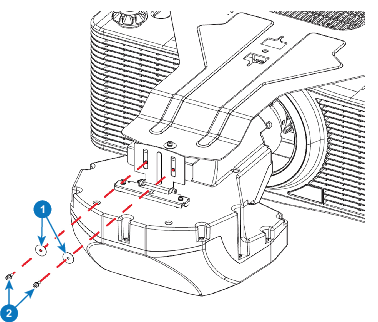
To connect the lens bracket and the lens support assembly, install two M3 x L8 hex screws and two M3 washers with a 2.5 mm allen wrench. Do not tighten the screws, as the lens still needs to be adjusted optically.