Required tools
- Phillips screwdriver PH2
- Clean blanket

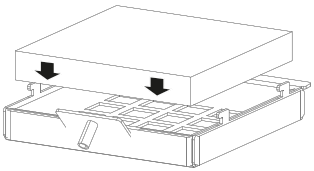
Insert the filter into the filter holder.

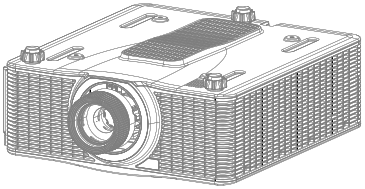
Turn the projector upside down to access the bottom of the projector.
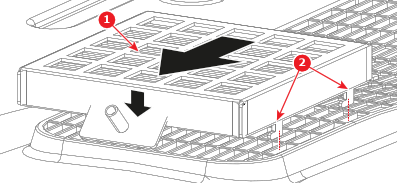
Place the filter assembly (reference 1) onto the air inlet as illustrated in the following image. Hook the filter assembly to the air inlet with the clips (reference 2).
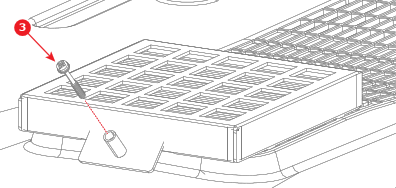
Secure the filter assembly to the projector by tightening a Phillips PH2 screw (reference 3) into the designated screw standoff.