3.13.3.1 Obtaining the device identification file

Location and availability
How to obtain the device identification file
  1. In the Product registration menu, click Manual Registration.
  2. Download the projector registration file to the computer by clicking the IDENTIFICATION FILE button.

    Image 3–137
  3. Keep this menu page open on your current browser tab. It will be required later on in the registration process.
  4. Navigate to https://insights.proj.barco.com in a new tab page.
  5. Log in using myBarco credentials if prompted.
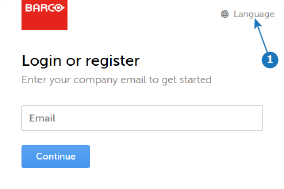
    Image 3–138

    Insights Management Suite will be displayed.

  6. Upload the device identification file to Insights Management Suite. For more information, see “Uploading device identification files”.