6.2.2 Manual update

Location and availability
How to update
  1. Download the firmware file from the Barco website https://www.barco.com to your device (e.g., laptop).
  2. Select Service > Firmware > Update in the sidebar.
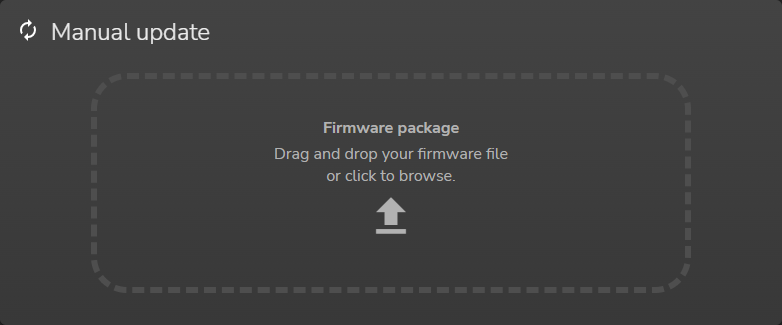
  3. Drag and drop the firmware file in to the dotted area in the Firmware package pane.

    Image 6–8
    Note: Do NOT turn off, power down, or remove mains power supply while the upgrade is in progress.
    Note: During the firmware update, the projector will restart at some point in the process.

    The firmware update process will start, and continue until finished.