Prerequisites
The device registration file must be obtained and is located on the computer or mobile device used to connect to Pulse Prospector.

The device registration file must be obtained and is located on the computer or mobile device used to connect to Pulse Prospector.
In Pulse Prospector, upload the device registration file to the projector by clicking the NEXT button.

The window will be visible.
Drag the file from the computer in to the field.
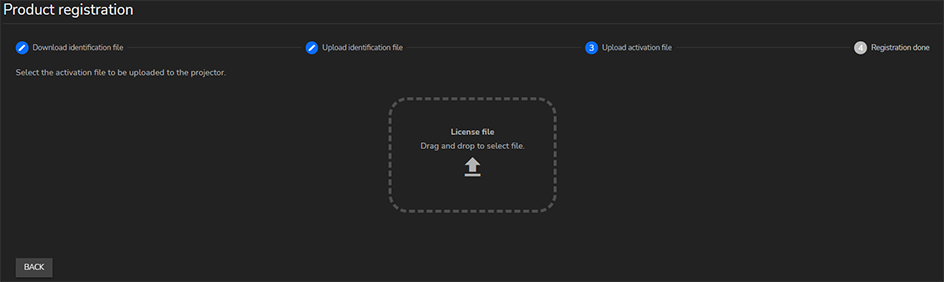
If the correct file was selected, the projector will become registered. The registration process is completed.