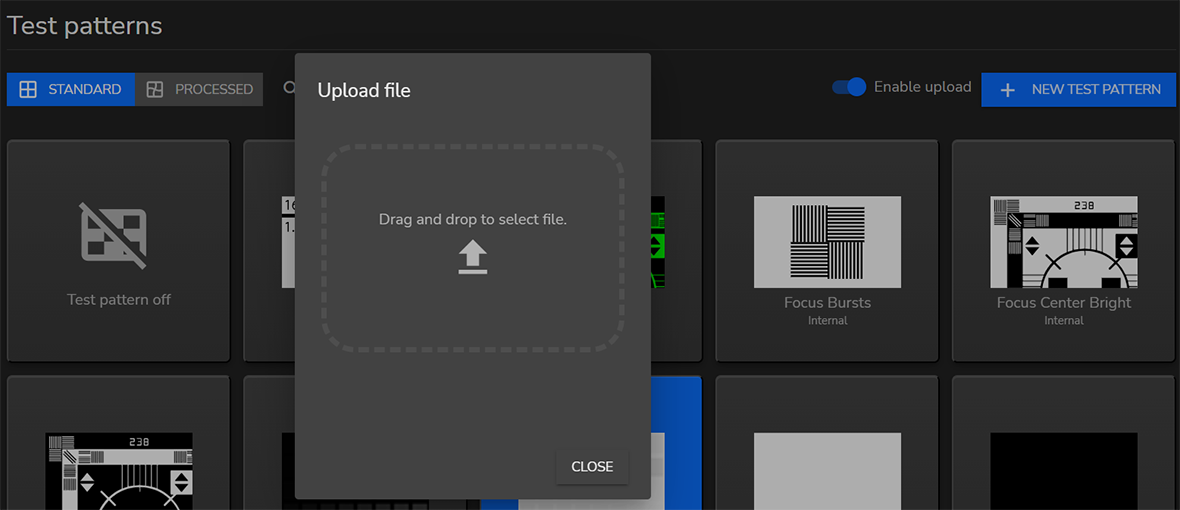
How to upload a new test patternToggle the Enable upload slider on.Image 4–53 Click on the + NEW TEST PATTERN button.Image 4–54 A pop-up window opens.Drag and drop the test pattern file.Image 4–55 Click on Upload.