Overview
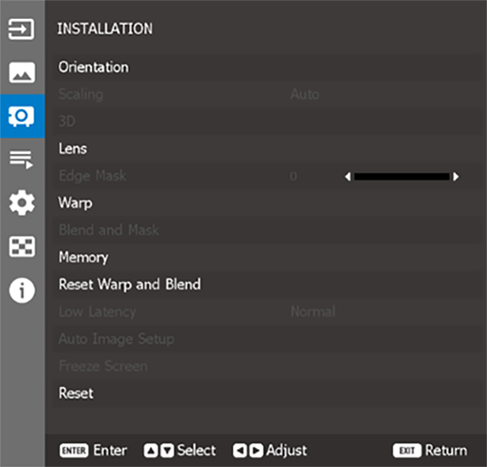

Configure the projector orientation. For more info, see “Orientation”.
Set the aspect ratio of the projected image. For more info, see “Scaling”.
3D settings submenu. For more info, see “3D”.
Configure the lens settings to adjust the image quality and position. For more info, see “Lens”.
The edge blending function allows you to hide one or multiple edges of the projected image.
You can use this slider to remove the video encoding noise on the edges of the video images.
Configure the geometric settings to reshape the image for different projection surface. For more info, see “Geometric Correction”.
Use this function to enable/disable the system to reduce response times (input latency) during gaming.
Select to pause the display screen despite any change in the source device.
Reset all the installation settings to factory default values.