About notices
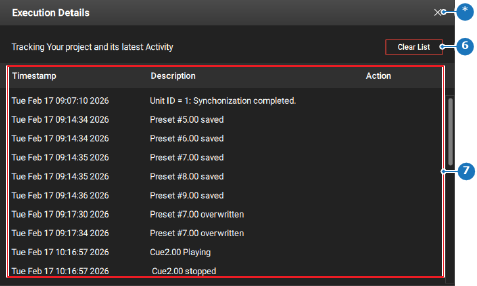
Modifications, errors and events will be shown and logged on the footer bar. Every modification committed to the unit will be summarised in the center of the footer bar. The notice menu can have the following icons:
- Red triangle (
 ): there are unresolved errors or problems with the configurations or settings of the unit.
 - Grey circle (
 ): a log of activities and events is available.