About the improved way of displaying addresses
When one or more projector are hung from a truss from the ceiling, it can be difficult to figure out what each individual projector address or IP address is.
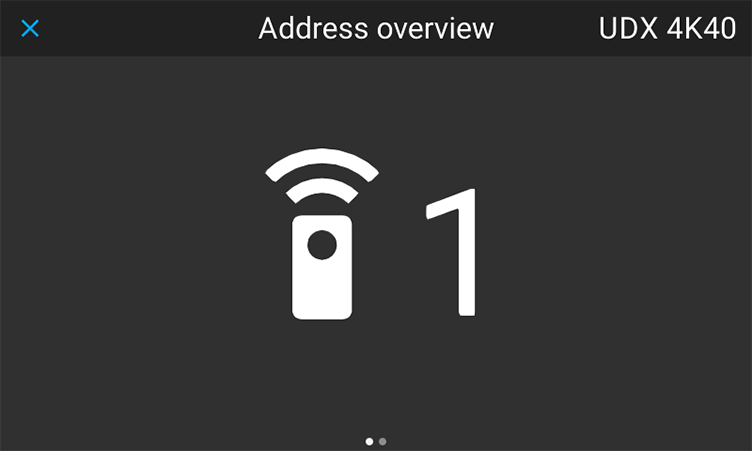
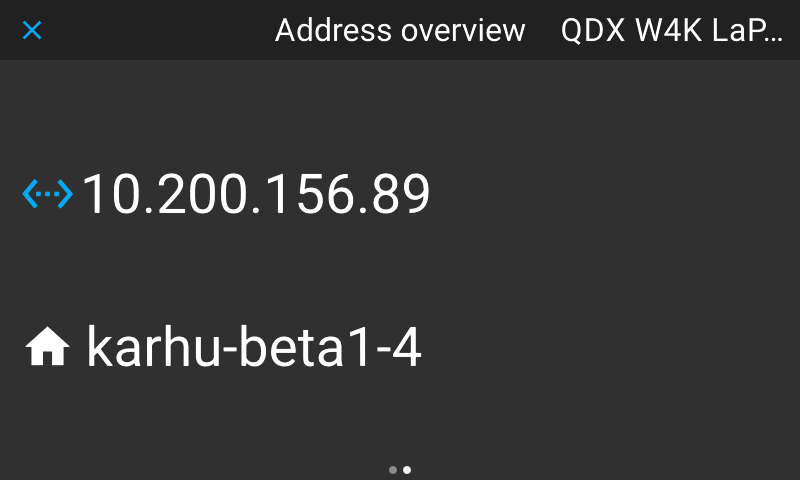
From Pulse 2.7 onward the Address button on the Pulse RCU has been updated. When the address button is pressed, all projectors with the same broadcast address will display the following:
- the individual projector address,
- the projector host name, and
- the available IP address(es).