Prerequisites
The device registration file must be obtained and placed on a USB flash drive, formatted in FAT32.

The device registration file must be obtained and placed on a USB flash drive, formatted in FAT32.
USB flash drive
Click Next on the download screen on the projector to open the upload screen.
The Upload page will be displayed.
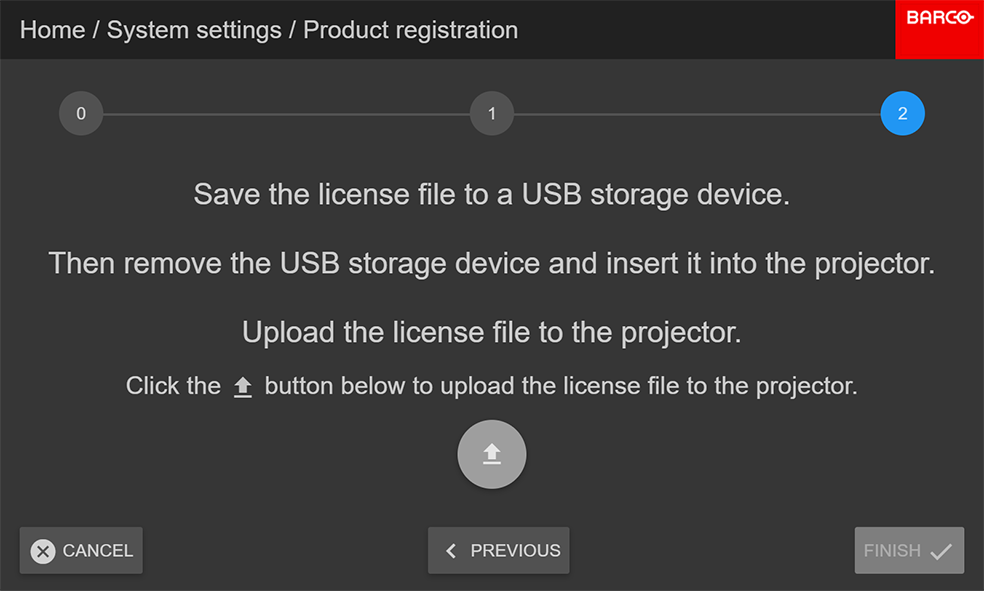
Click the Upload icon.
When the file is uploaded onto the projector, the Finish button will become enabled.