Location and availability
- Menu: >
- Access level: Power user, administrator, service
- Model: all
- Availability: Pulse 2.6 and later

Download and install the Pulse Mobile app on your mobile device.

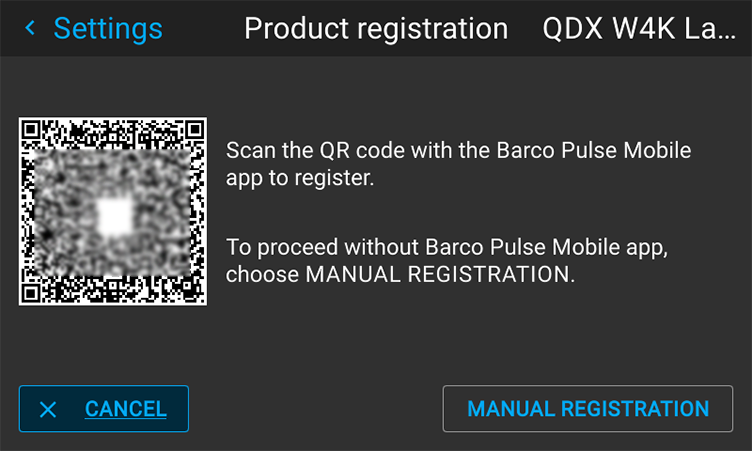
Make sure the QR code is visible on the OSD and LCD screen of the projector.
Press the QR code icon in the top right corner of the app.
The page will be displayed.
Scan the QR code visible on the OSD and LCD screen with the Pulse Mobile app.

The mobile device will be redirected to the appropriate registration page.
Is the registered device directly connected to the internet?