Location and availability
- Menu:
- Access level: all
- Models: all
- Requirements: Pulse 2.5 or later

Several menu items are either hidden or partially locked for the default user. Use the feature to have increased access to the projector features.
Once logged in, the blue key icon will remain visible on each menu title throughout the projector.
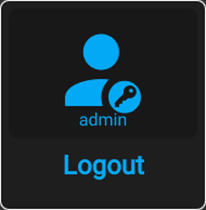
The user will remain logged in as long as the action on the main menu is not used. When the projector is rebooted or powered off, the user will also be logged out.
For more information on login credentials and user authentication, see “User accounts”.
In the main menu, select and confirm.

The Login dialog is prompted.
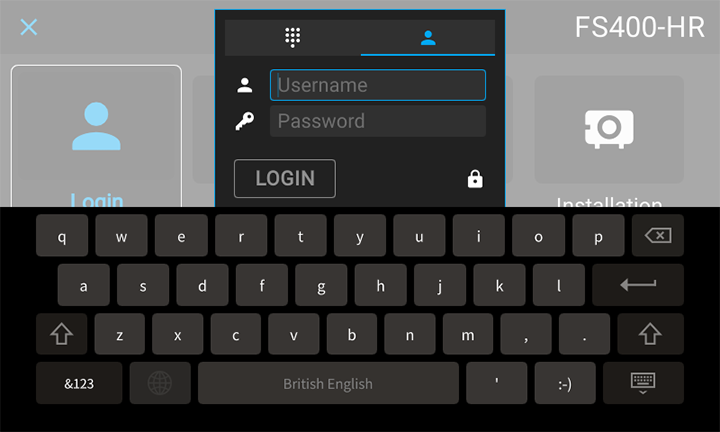
There are 2 ways to login:
Select the field next to the icon and confirm.
The on-screen keyboard will be prompted. Enter the desired user name.
Select the field next to the icon and enter the password.
Navigate to Pin code and click OK.
The on-screen keyboard will be prompted. Enter the pin code.
While logged in, click on the icon in the main menu.
[1] Pincode is only visible when enabled.