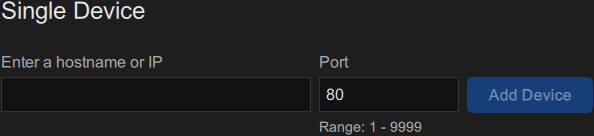
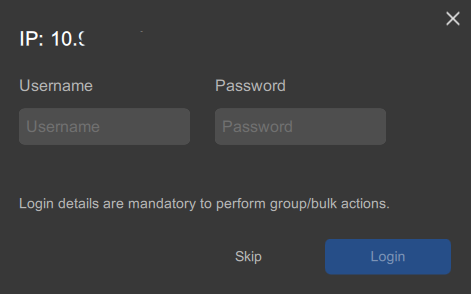
How to addEnter the name, the hostname, or the IP address of a desired device.Note: Only port number between 1 - 9999 are supported.Note: Barco devices use port 80 by default.Image 6–1 Single device sectionClick Add device.The device is added to the configuration.Must Pulse Toolset log into the device?Note: Certain actions require Pulse Toolset to be logged into the device.If yes, enter the username and password of the device and click Login.If no, click Skip.Image 6–2