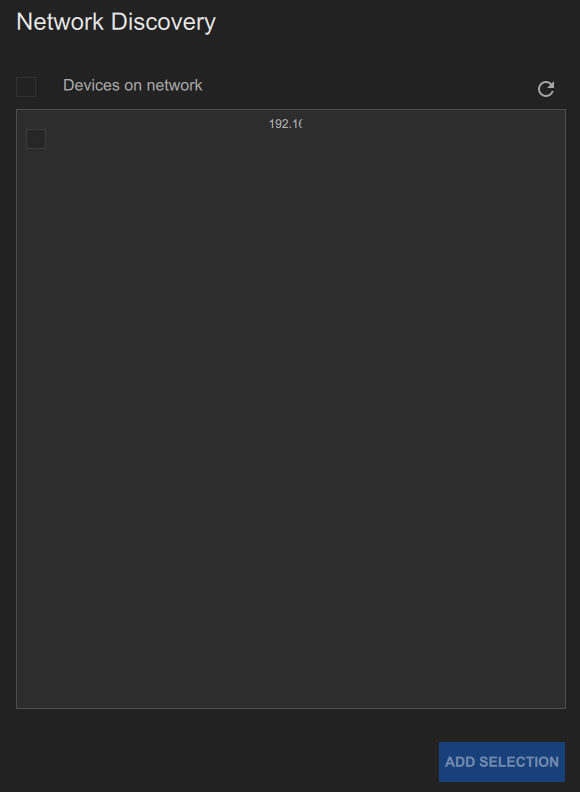
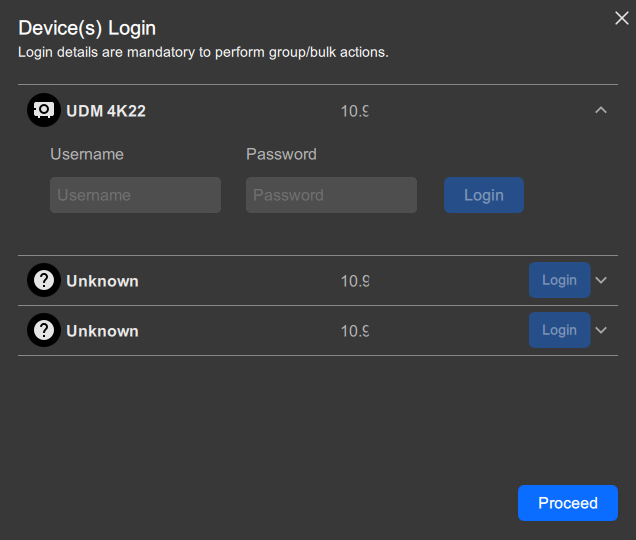
How to addClick the refresh icon () to scan the network.Image 6–5 Example of the network discovery sectionThe discovered devices are displayed.Select the checkbox next to all desired IP address(es).Click Add selection.The selected devices are added to the configuration.Must Pulse Toolset log into any or all devices?Note: Certain actions require Pulse Toolset to be logged into the device.If yes, click on the downward arrow of the desired device(s) and enter the username and password of each device. Click Proceed to continue.If no, click Proceed.Image 6–6

 ) to scan the network.