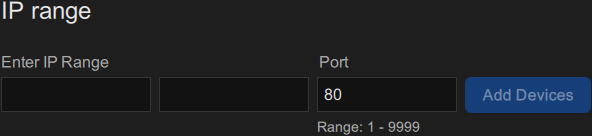
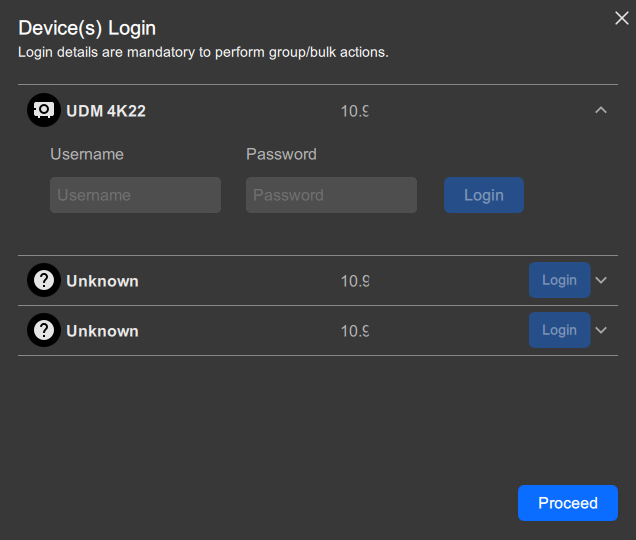
How to addEnter the following information:The starting IP address in the first input field after Enter IP Range.The ending IP address in the second input field after Enter IP Range.The desired port number in the input field after Port. (Optional)Note: Only port number between 1 - 9999 are supported.Note: Barco devices use port 80 by default.Image 6–3 IP range sectionClick Add devices.All IP addresses within the given IP range are added to the configuration.Must Pulse Toolset log into any or all devices?Note: Certain actions require Pulse Toolset to be logged into the device.If yes, click on the downward arrow of the desired device(s) and enter the username and password of each device. Click Proceed to continue.If no, click Proceed.Image 6–4