Location
- Menu bar:
- Work area: desired device(s) >

Right click on the desired device or click the three vertical dots ( ) in the same row as the desired device.
A pop-up menu is displayed.
 ).
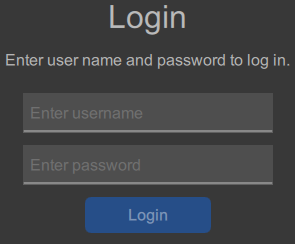
).Enter the username and password of the selected device and click .