About what’s new
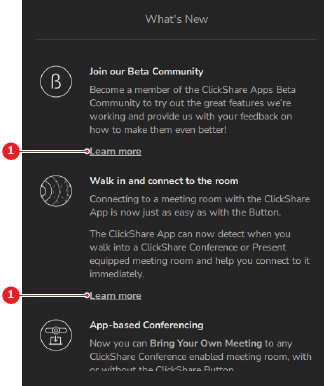
Major changes or features are highlighted in the what’s new menu. These highlights briefly describe what is being added or changed.

Major changes or features are highlighted in the what’s new menu. These highlights briefly describe what is being added or changed.
 >
>
Is more information needed?