Availability
- Operating system: Windows and MacOS
- Base Unit: CX-20, CX-30, CX-50, CX-20 Gen2, CX-30 Gen2, CX-M, CX-50 Gen2, CB Core and CB Pro
- Room feature: 4th gen Button (optional)

There are two main methods to stop conferencing with ClickShare:
Stop the conferencing using one of the following methods:

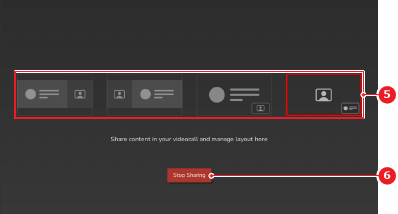
The ClickShare wallpaper is shown.