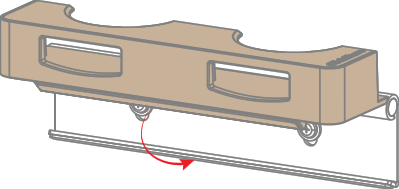
Required parts
2x M3x15 screws

2x M3x15 screws
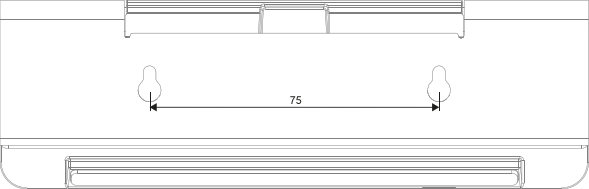
Prepare two holes spaced 75 mm apart at the desired location.
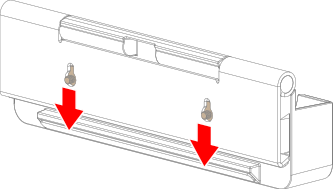
Slide the keys of the 2nd gen Button tray over the two prepared screws to lock the keys.
Lift the tray to access the screw heads.
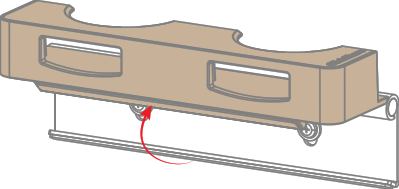
Tighten the two screws (reference 1) to secure the 2nd gen Button tray in place.
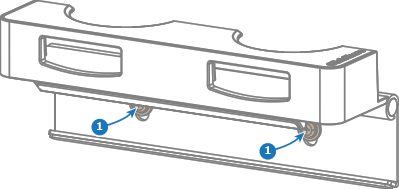
Lower the tray as illustrated.