Location & availability
- Menu: > > >
- Access level: admin

Restarting powers down and starts up each device connected to the ClickShare system. This allows the caches of the devices to be cleared and can help improve the performance of the system. Barco recommends to regularly restart the entire ClickShare system.
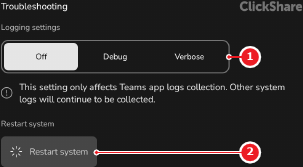
Tap on (reference 2).
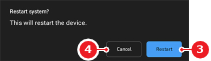
A confirmation pop-up is shown.
Can the ClickShare system be inaccessible for a couple of minutes?