Required tools
Phillips screwdriver PH0

Phillips screwdriver PH0
Support bracket
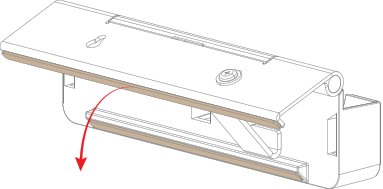
Rotate the kickstand as illustrated.
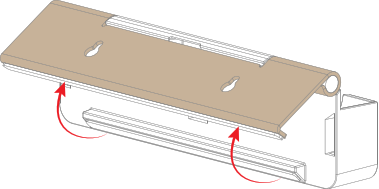
Slide the support bracket in between the kickstand and the 2nd gen Button tray as illustrated.
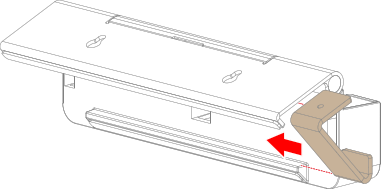
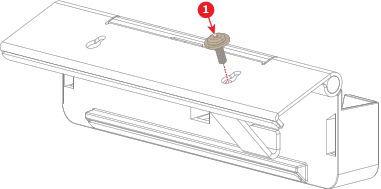
Line up the desired key hole of the kickstand with one of the two screw holes of the support bracket.
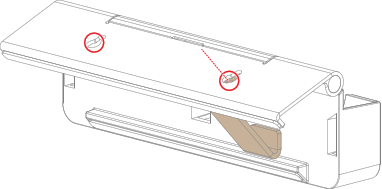
Secure the support bracket to the kickstand with a screw (reference 1). Use a PH0 Phillips screwdriver.
Tilt the 2nd gen Button tray until it rests on both rubber strips.