About the Control Panel
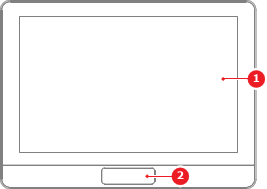
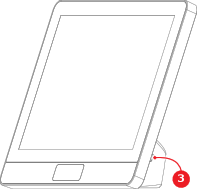
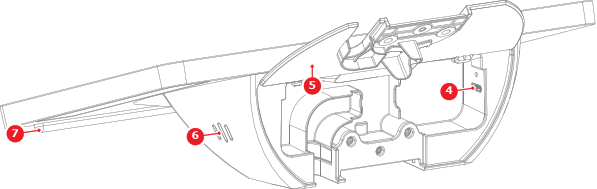
The optional Control Panel allows the user to interact with the ClickShare unit from one central touch enabled display. If no Control Panel is available, then the interactions must be done on a touch enabled display connected to the Base Unit or a mouse connected to the Base Unit or the display.