Location & availability
- Menu: > > > >
- Access level: admin

Each ClickShare device can have a warranty period that differs from other devices in the system. The warranty page gives an overview of each warranty expire date and status for a given ClickShare product. This information is refreshed daily.

Check the warranty expiration date of the desired product before the  icon.
icon.
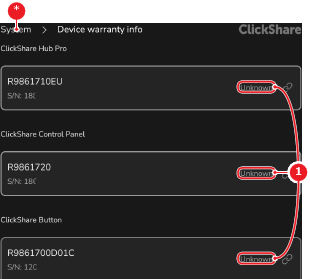
Tap on the desired product.
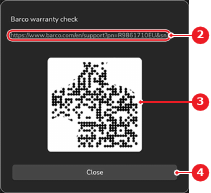
A link to the warranty page pops up.
Scan the QR code (reference 3) or enter the link (reference 2) in a browser to see the warranty details.