
Voltar
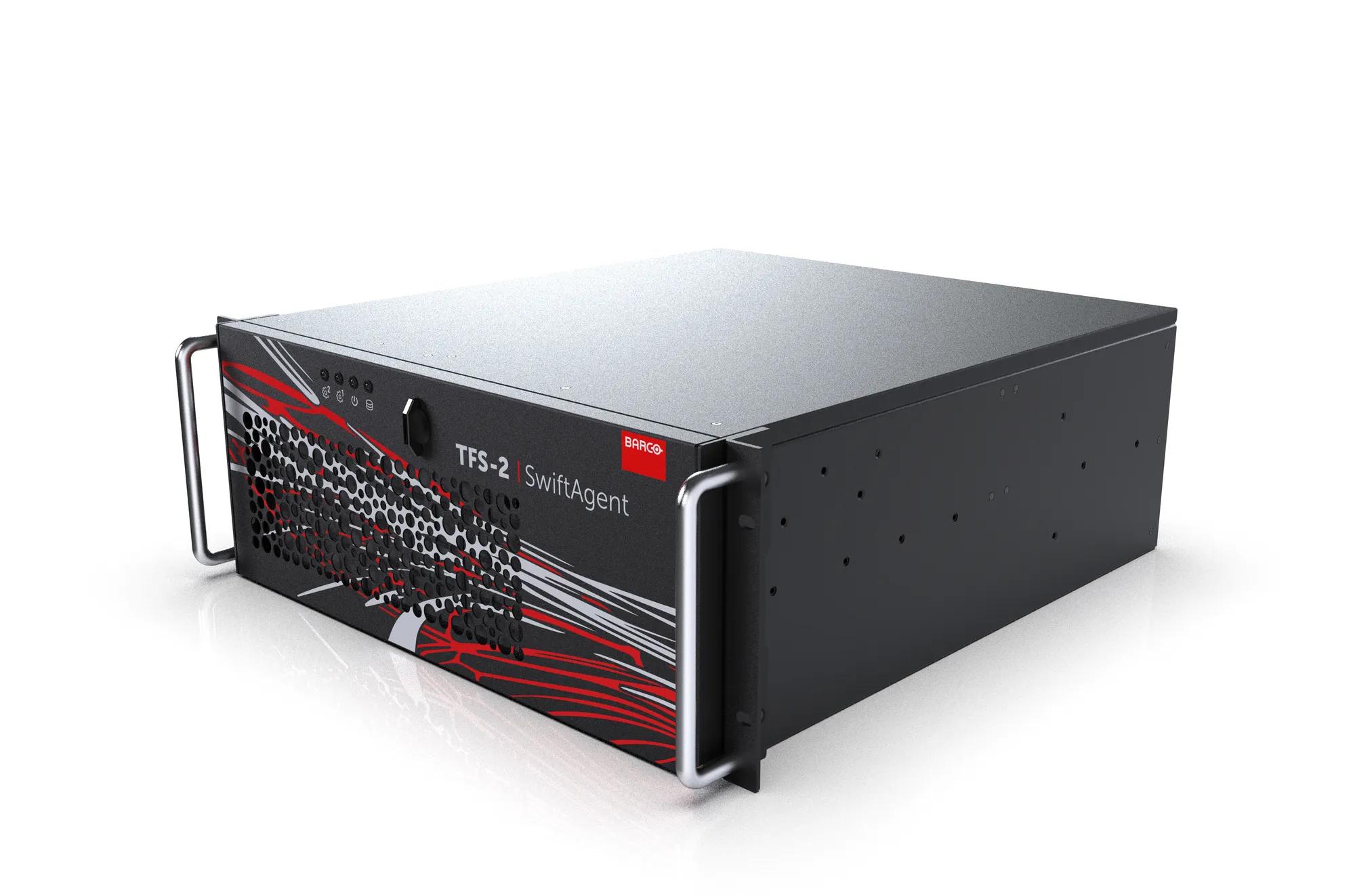
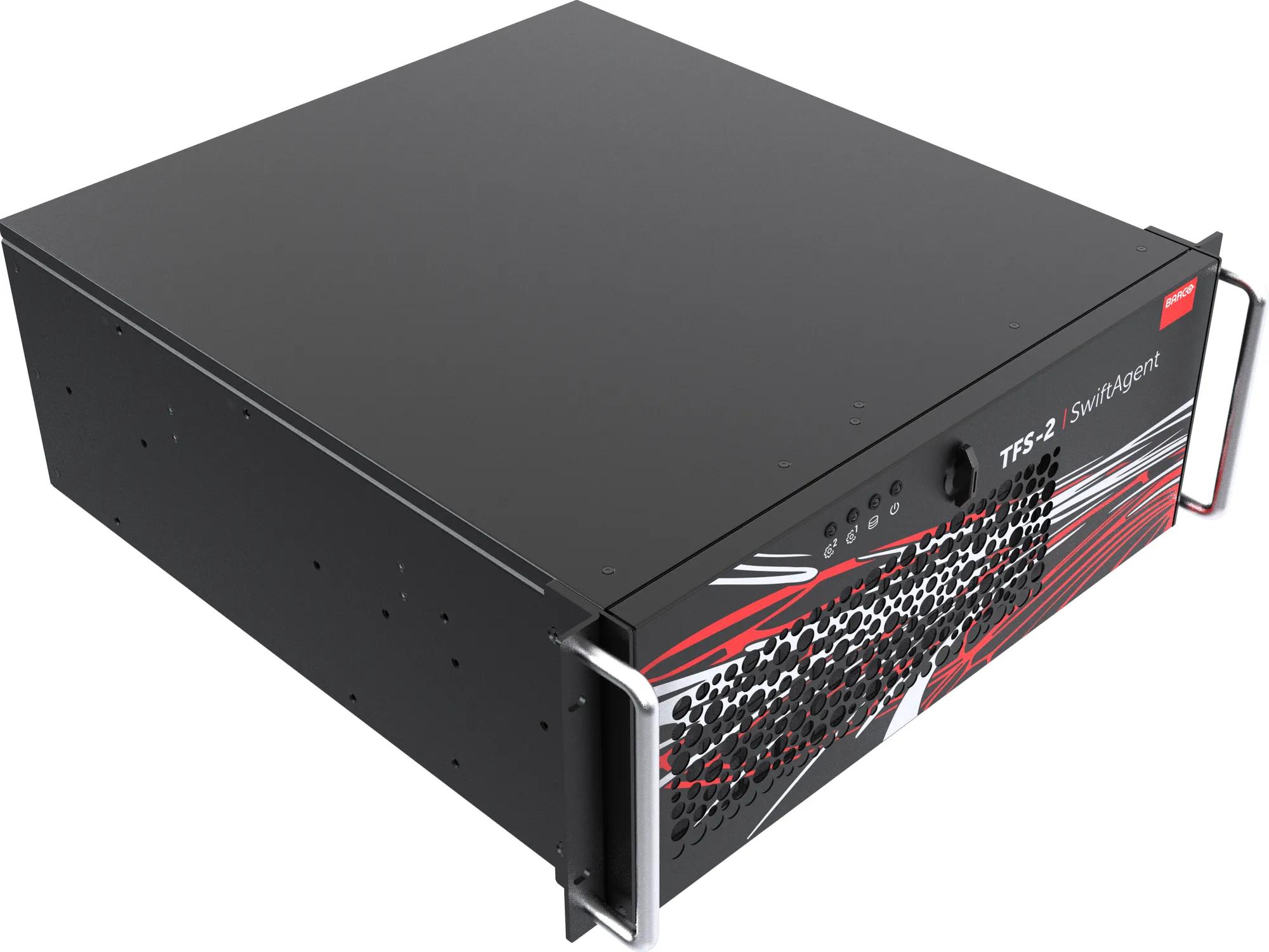
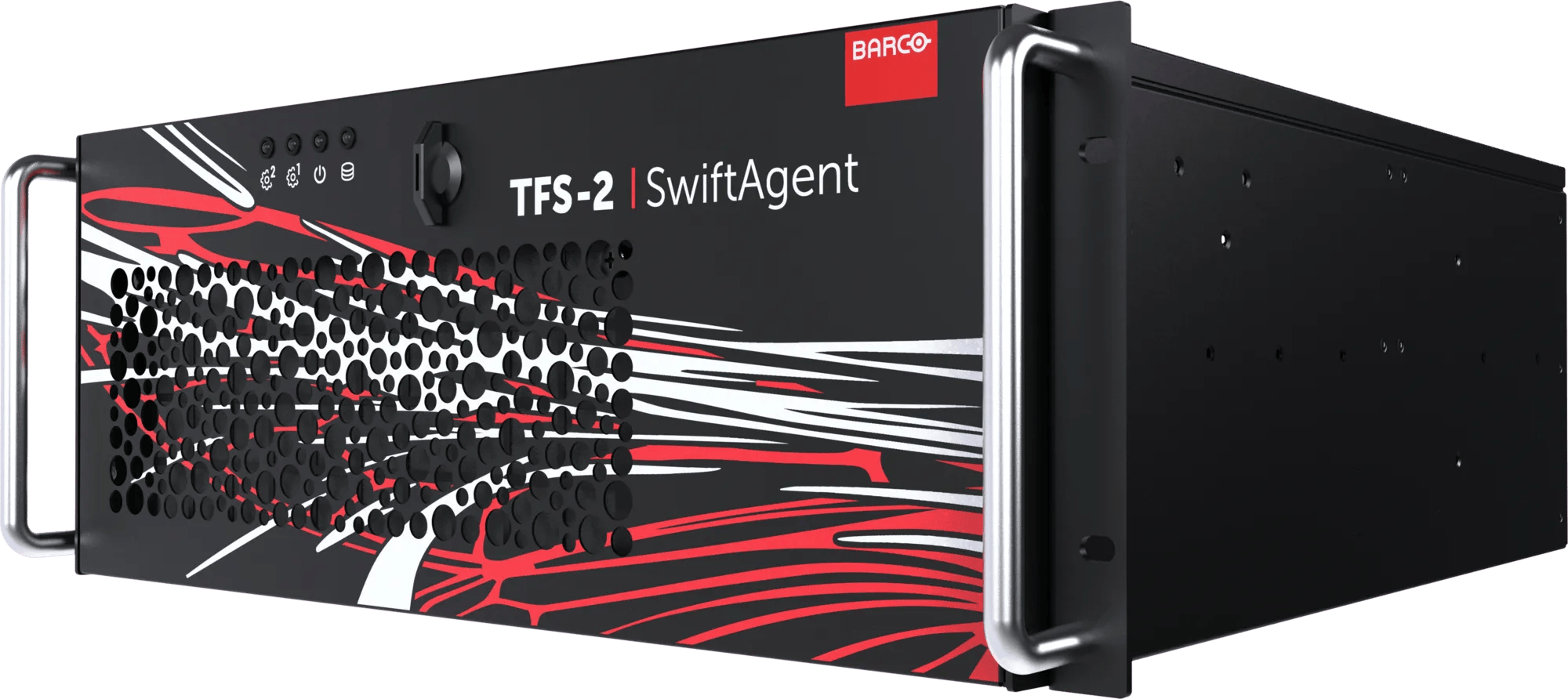
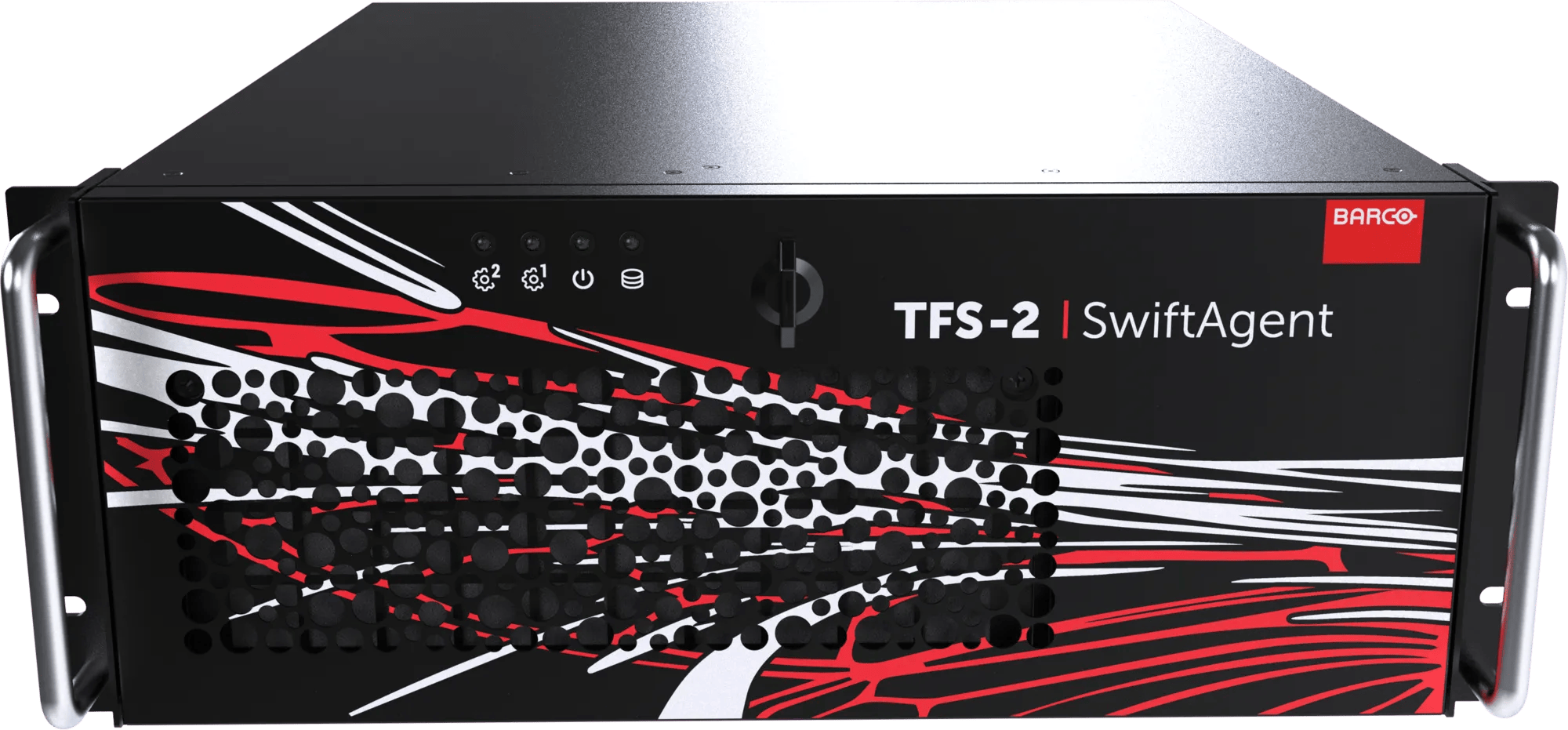
SwiftAgent™ TFS‑2
Você não receberá alertas para os produtos selecionados.
Por favor, acesse Configurações de tipo de alerta para ajustar as preferências de notificação.
All-in-one hybrid switcher
- AI-powered camera tracking and framing
- Unified production and presentation switching in one software-based platform
- Intuitive screen control and workflow automation
- Brand-agnostic device compatibility
Powerful production & presentation switcher combined
Barco SwiftAgent is a software based switcher designed to simplify modern event production for both onsite and hybrid environments. It integrates production switching, presentation control, and automated camera operations into a single, scalable platform.
Always backed by live intelligence
Powered by AI, SwiftAgent analyzes live scenes, tracks presenters, and selects optimal camera angles in real time, regardless of the camera brand, reducing manual intervention and lowering the need for specialized AV and broadcast expertise.
Simplified workflows, enhance results
With centralized management and AVoIP connectivity, SwiftAgent enables flexible deployment across rooms, campuses, or remote locations. Its intuitive interface offers streamlined screen management, automated workflows, and reliable streaming tools for consistent, high quality output.
Ultimate flexibility
The system supports brand-agnostic devices, allowing seamless integration into existing infrastructures.
Ideal for solo operators or small teams, SwiftAgent enhances efficiency, minimizes setup time, and delivers professional grade event coverage with accuracy and stability. It’s a smart, future ready solution for organizations seeking reliable, scalable event production capabilities.
Especificações
Faça download da folha de especificaçõesNotes
- Notes
- As especificações neste documento são preliminares
Recursos
- Operation
- Via interface web ou API REST JSON
- Network connections
- LAN RJ45 2 unidades 1GB/s
QSFP28 2 unidades, 100GB/s
- Inputs
- Até 3 x ST-2110-20 / IPMX (até 3840x2160 a 60Hz)
- Outputs
- Até 4 x ST-2110-20 (até 3840x2160 a 60fps)
- Processing capacity
- Capacidade de lidar simultaneamente com até 3 entradas e 4 saídas (cada uma com resolução de até 3840x2160 a 60Hz).
- Multi-viewer
- 1 x Multi-Viewer disponível via DisplayPort 1.2 (até 3840x2160 a 60 Hz) ou formato AVoIP (NDI, webRTC, RTSP, …)
A saída do Multi-Viewer conta como uma das saídas do sistema (veja acima)
- Integrated mixer function
- Switcher de produção incluindo posicionamento mecânico e rastreamento de câmera digital
- Camera AI functionality
- Detecção de pessoas, rastreamento automático e mixagem automática
Até 4 entradas podem ser habilitadas para a funcionalidade de IA
- Audio
- Desincorporação/incorporação/mixagem de áudio: 2 canais por entrada ou saída PCM / OPUS / ST-2110-30 (futuro)
- Clock
- PTPv2 (Suporte para BMC)
- AVoIP routing
- Roteamento NMOS IS-04/05 com registro NMOS interno/externo (configurável)
- Picture in Picture (PIP)
- Suporta até 64 camadas independentes por saída.
- Service
- USB-A
- Color depth
- RGB 4:4:4 8 bits / YCrCr 4:2:2 10 bits
- Latency
- 2 quadros com E/S bloqueada para dados não comprimidos
- Still image
- Suporte para arquivos JPG e PNG (incluindo transparência)
- Clip playback
- Suporte para reprodução de MP4 (perfil principal H.264 até 1920x1080 a 60Hz)
- Storage
- Até 500 GB de armazenamento interno para imagens estáticas e clipes.
- API-interface
- API REST JSON (futura)
Hardware
- Noise level
- < 45dbA
- Dimensions
- 177 mm (A) x 482 mm (C) x 472 mm (L)
- Weight
- 28 kg (peso líquido)
- Power supply
- 100-240 V CA, 50-60 Hz. redundante
- Power consumption
- 12A
- Power adaptor
- 2 x, redundante
- Environmental temperature
- 0°C a 35°C
- Environmental humidity
- 5 - 80%
- Storage temperature
- -20 °C a 60 °C
Agora você pode encontrar todas as mídias, folhetos, apresentações, whitepapers e downloads de marketing em nossa nova e aprimorada central de downloads
Visite o centro de mídiaÀ procura de documentos técnicos ou de suporte ao produto?
Para downloads técnicos, como drivers, firmware, manuais, ilustrações e documentação, nós gostaríamos de redirecioná-lo para a nossa página de suporte do produto.
Ir para suporte ao produto