
QR code stickers on ClickShare Base Units C-5, C-10, CX-20 and CX-30 with specific region codes US and RW are failing to onboard the Base Unit into the XMS Cloud, returning an Invalid QR code error when attempting to onboard via QR code scanning.
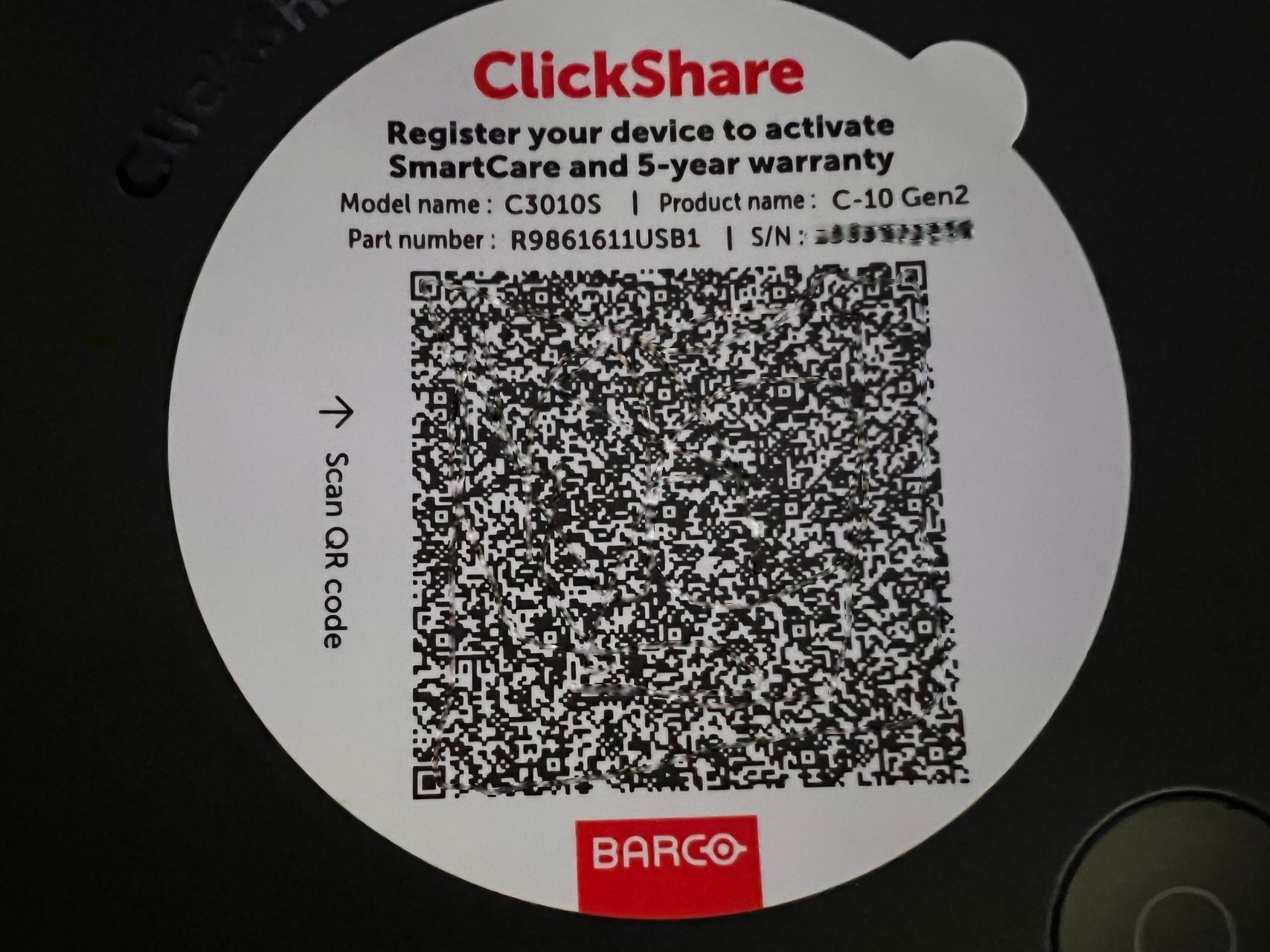
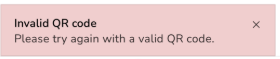
Example: Scanning the QR code sticker on C-10 returns an "Invalid QR code" error
Affected Base Units
The region code can be identified in the part number of the Base Unit. Here's how you can locate the "RW" and "US" regions:
| Base Units name | Part numbers | |
|---|---|---|
| US versions | RW versions | |
| C-5 | R9861605US | R9861605RW |
| C-10 | R9861611USB1 R9861611USB2 | R9861611RWB1 R9861611RWB2 |
| CX-20 | R9861612USB1 | R9861612RWB1 |
| CX-30 | R9861613USB2 | R9861613RWB2 |

