
When accessing the ClickShare Configurator for the CS-100 and CSE-200 Base Units on the Google Chrome browser in Windows 11 computer, an error message appears stating — Your connection is not private.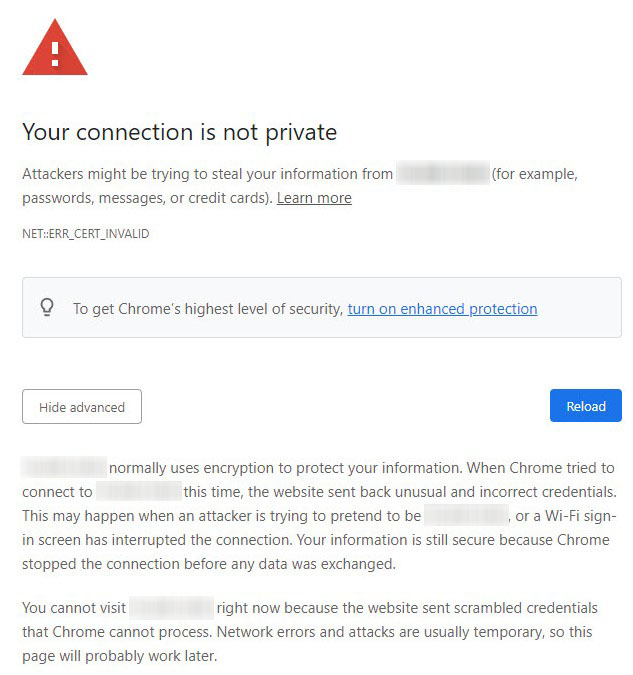
Solutions
-
Update the firmware
Upgrading your ClickShare CS-100 and CSE-200 Base Unit to firmware version 1.11.10.3 or higher will fix this issue.
For manual firmware update instructions, see KB5923. If the web interface is not accessible, try a firmware upgrade via USB.
-
Use a different browser
If you're unable to access the ClickShare Configurator via Chrome, try using Microsoft Edge browser to access the ClickShare Configurator for CS-100 and CSE-200 Base Units.

