
Connecting to the ClickShare Base Unit Wi-Fi or SSID can be required when you want to share content from your mobile devices (tablet or phone) or when you need to access the Base Unit's ClickShare Configurator from a device that isn’t connected to the network.
-
Find your Base Unit's Wi-Fi name, known as SSID, by looking for it on the Base Unit's splash screen.
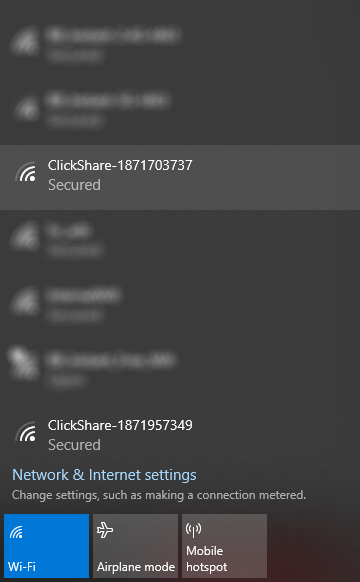
The default SSID of a ClickShare Base Unit is ClickShare-<serial base number>. For other locations where you can find the ClickShare SSID. see KB9670.
-
On your device, go to Wi-Fi networks list and select your Base Unit's Wi-Fi name (or SSID) from the available networks.
-
Enter the password (default is clickshare) to connect to the Base Unit's Wi-Fi.