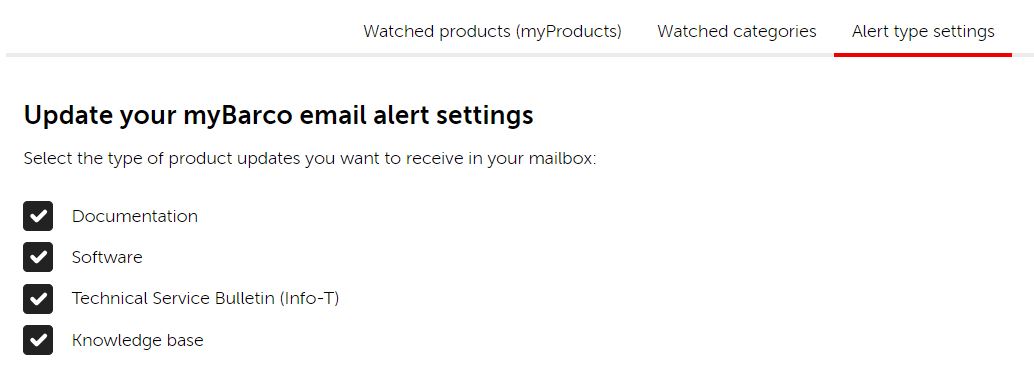
Would you like to be informed, as soon as new software updates, new knowledge base articles, new documentation, new products are released?
Then, add the products that you currently own or the products that you are interested in, to your myBarco product list. E-mails will be automatically sent by the system to all myBarco users that have registered for those products.
Let's see below how to add items to your My products section:
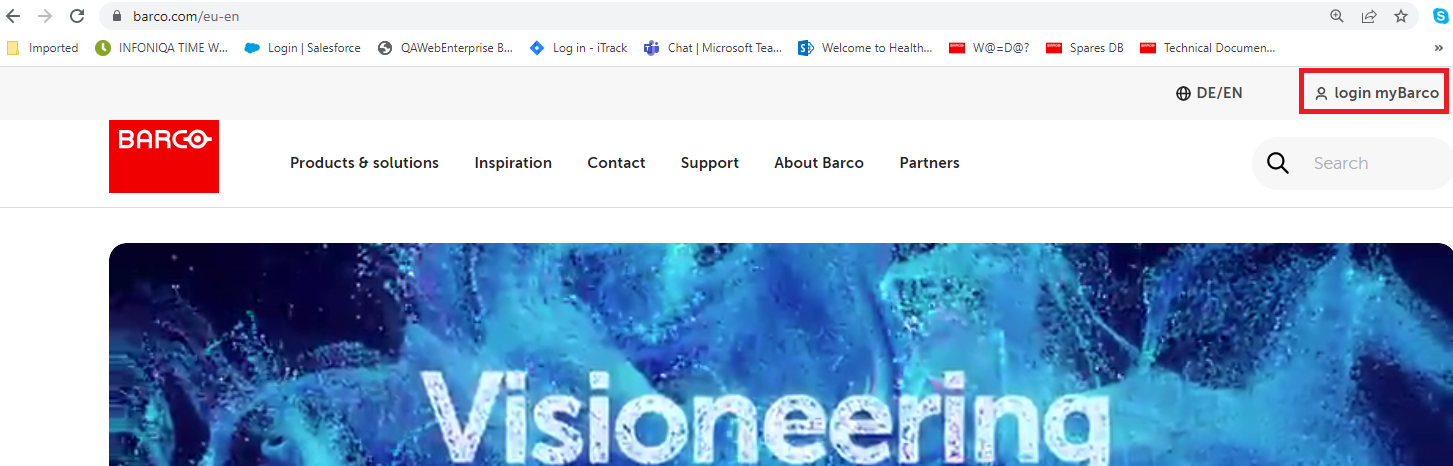
- Log in with your myBarco Account to the Barco website www.barco.com.
- The Barco authentication window gets displayed.
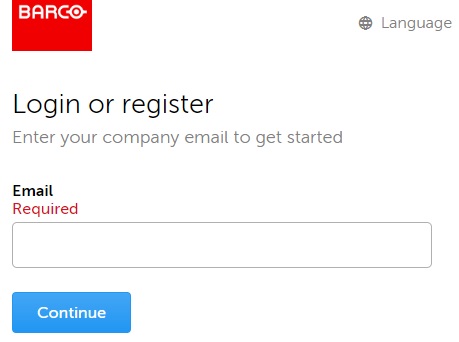
- if you already have an existing myBarco Account, enter your e-mail address and the corresponding password.
- If you don't have yet a myBarco Account, enter your e-mail address, a verification code will be sent to your mail account. Please enter the verification code and define a password.
- if you already have an existing myBarco Account, enter your e-mail address and the corresponding password.
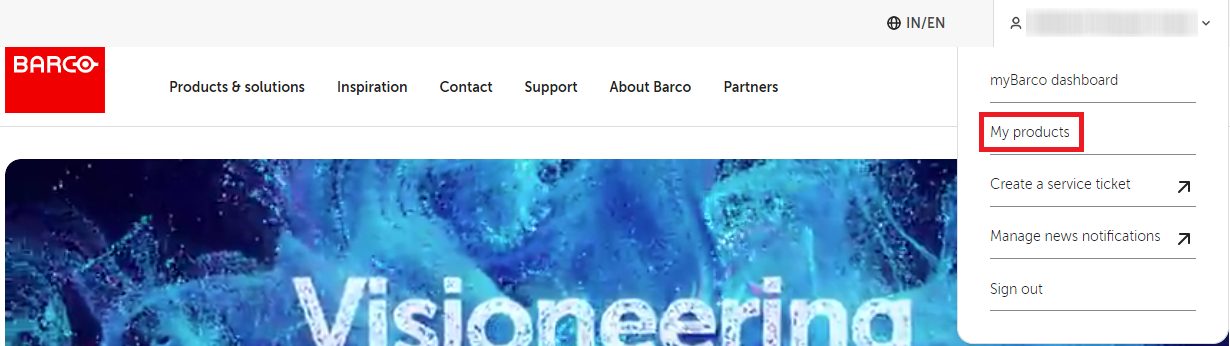
- Go to My products
Items can be added via:
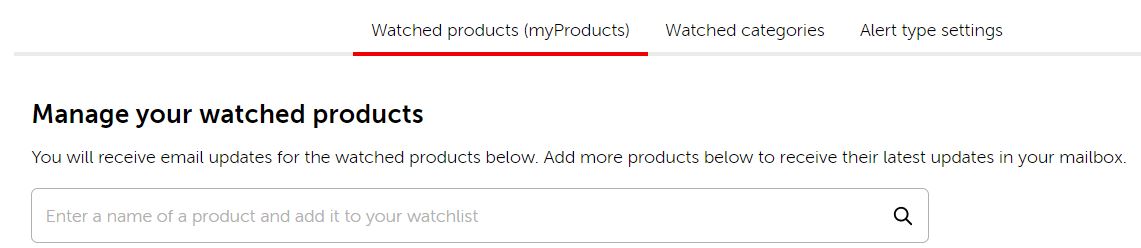

- Go to Alert type settings
Select the type of updates you would like to receive in your mailbox.