Software update options
Pulse‑based projectors can be updated in the following ways:
- Pulse Prospector: Update the projector over the network using Pulse Prospector. The projector must be connected to the network. For details, refer to the Firmware chapter in the online Pulse Prospector user guide.
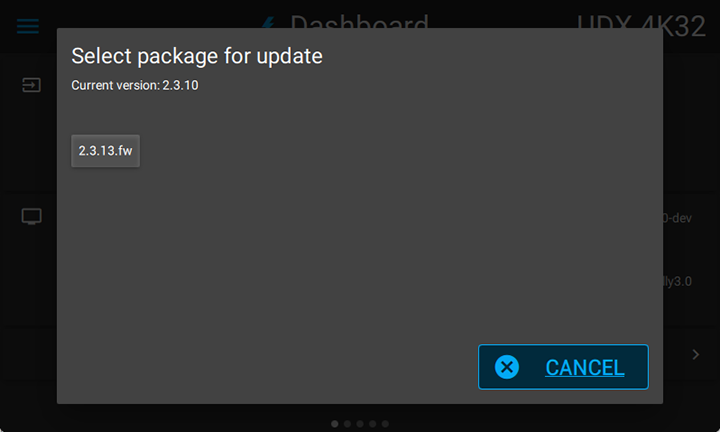
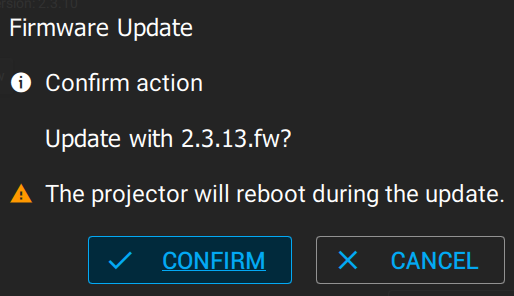
- Pulse OSD menu: Update the projector locally through the Pulse OSD menu using a USB flash drive with the latest software package. This method requires physical access to the projector and can be used without a network connection. For details, refer to the Firmware updates chapter in the online Pulse OSD user guide or to the procedure below.