

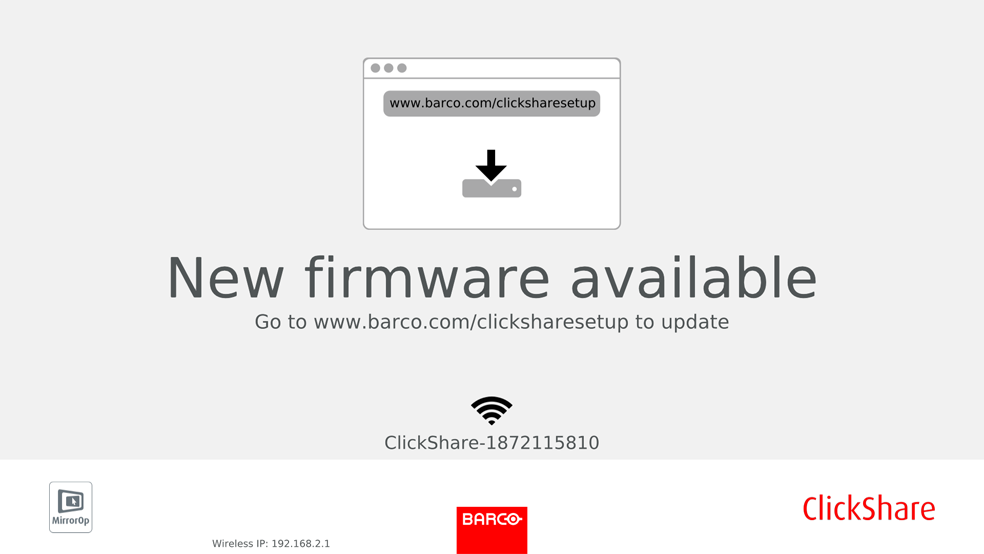
About Firmware updates
There are different ways to update the Base Unit software:
- via the Configurator, for more information, see “Firmware Update”.
- automatic update when connected to the network together with the central management via XMS solution.
- by copying the software on a USB stick.
- automatic update when connected in network together with the central management via XMS (only for CSE devices). For more information consult the XMS’s user guide which can be downloaded from Barco’s website ( www.barco.com/clickshare).