About Firmware update
The firmware of the Base Unit can be updated via the web interface. The latest version of the firmware is available on Barco's website.
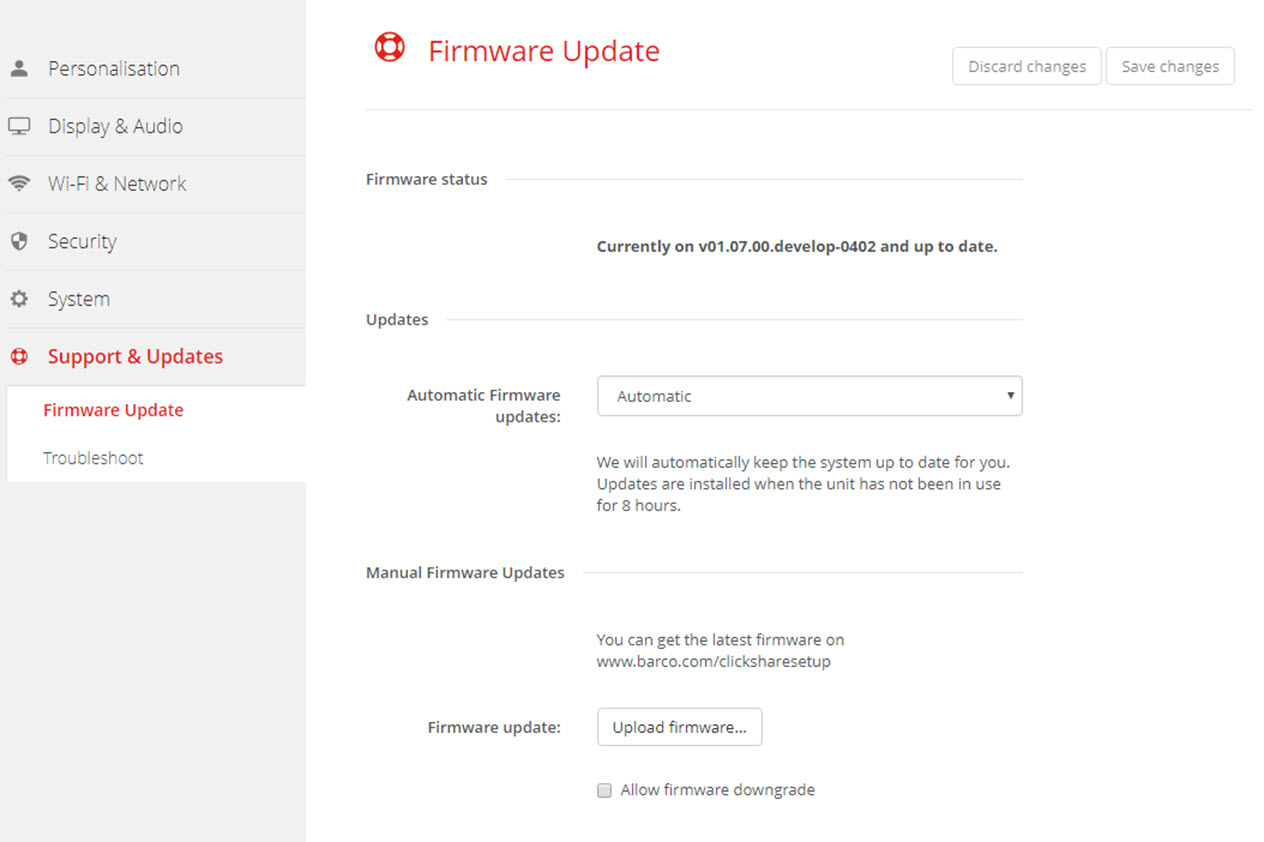

The firmware of the Base Unit can be updated via the web interface. The latest version of the firmware is available on Barco's website.
There are 3 ways to configure automatic updates:
To upload a firmware version, click on Upload firmware...
A browser window opens.
Browse to the file with the new firmware and click Open to start the upload.

The Base Unit software is updated.
Next to using the configurator to upgrade the firmware, the following ways are also possible: