13.8.12 Shifting the image

About shifting

It is possible to shift the whole image. This is considered as an equal movement of the 4 corner points in 2 x 2 mode. The Warping adaptation window is used for adjusting the shift. After shifting the image parts of the image might not be visible anymore.
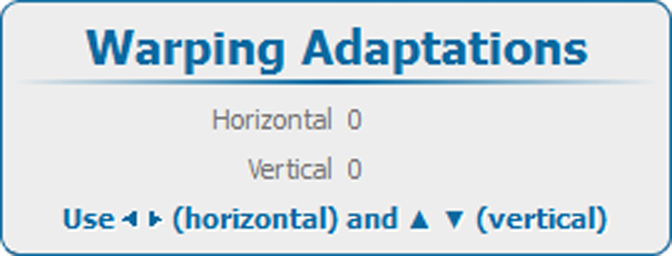
How to shift
  1. Select the 2 x 2 adjustment level. See “Setting the warping level”.

    The default selected anchor point is the left top corner of the image.

  2. Select the desired warp area.

    Depending on the selected area only the points in that area will be adjusted and the shift direction changes according the selection.

  3. Select Shift.
  4. Select within Warp Adaptations, an available adjustment to shift the image.

    or

    press ENTER when an item is selected and use the 4 arrow keys to adjust.

    Image 13–50 Warping, shifting