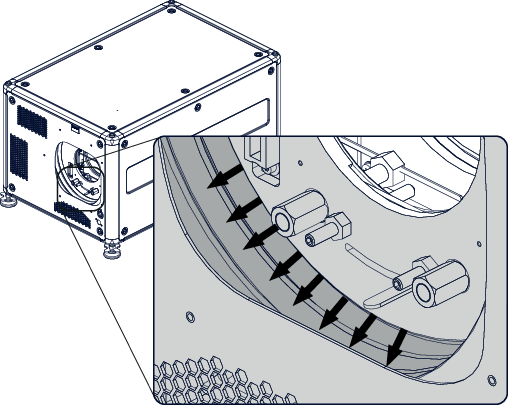
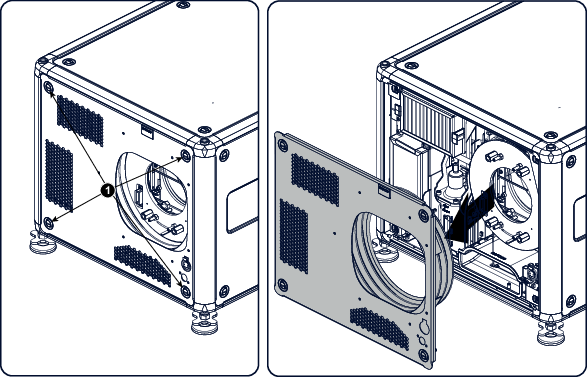
How to removeRemove the lens. See “Lens removal”.Remove the rubber dust ring from the lens holder.Image 17–6 Dust ring removalRelease the 4 captive screws (1).Image 17–7 Front cover removalTake off the front cover.