
Adjusting vertical and horizontal linearity
Select the 2 x 2 adjustment level. See “Setting the warping level”.
The default selected anchor point is the left top corner of the image.
Select the desired warp area.
Depending on the selected area only the points in that area will be adjusted.
- Select Linearity.
Select within , or to adjust the corresponding keystone.
orpress ENTER when an item is selected and use the 4 arrow keys to adjust.
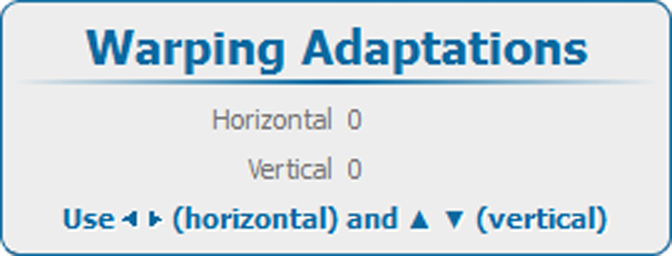
Image 13–45 Warping, Linearity Adjust the horizontal and vertical linearity.
To fine tune this adjustment, select a specific area and add extra anchor points by changing the warp level.