Description
You can create new custom EDID files and enter the desired input timings.

You can create new custom EDID files and enter the desired input timings.
Press ENTER to open the EDID creation menu.
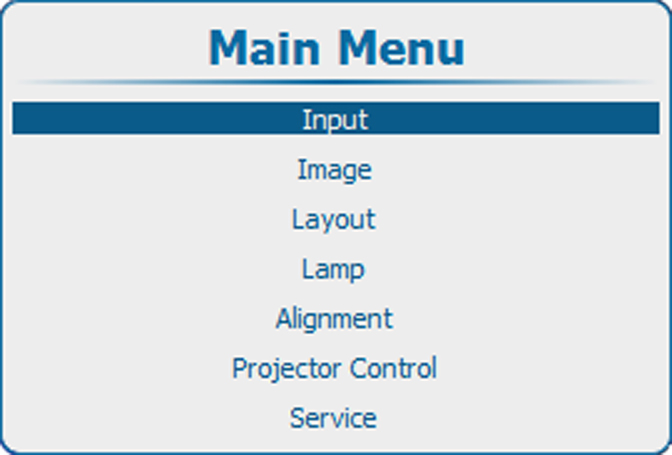
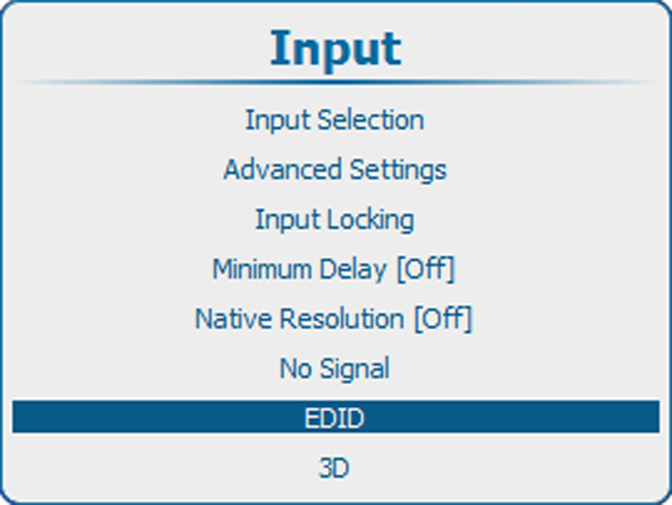
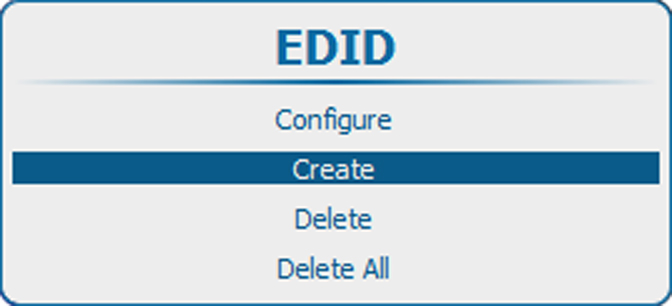
Use the ▲ or ▼ key to select .
Press ENTER to open the creation menu.
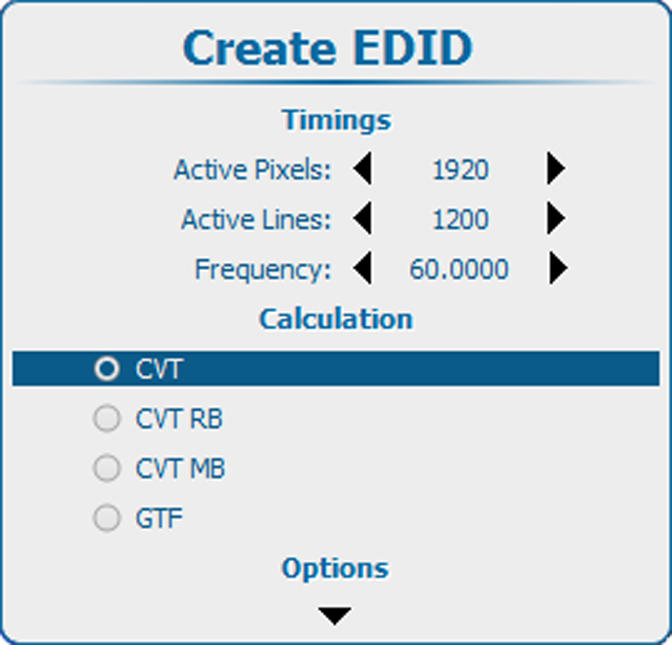
Fill out the section.
Use the ▲ or ▼ key to select a setting.
Use the ◄ or ► key to change the value
or press ENTER to open the specific adjustment menu. Follow the adjustment method as described in “Navigation and adjustments”.
The following timings must be entered:
Select the calculation method to obtain the correct (standard) video timings.
Possible selections:
Select the .
If necessary, scroll down to see extra options.
Select or clear the check boxes.
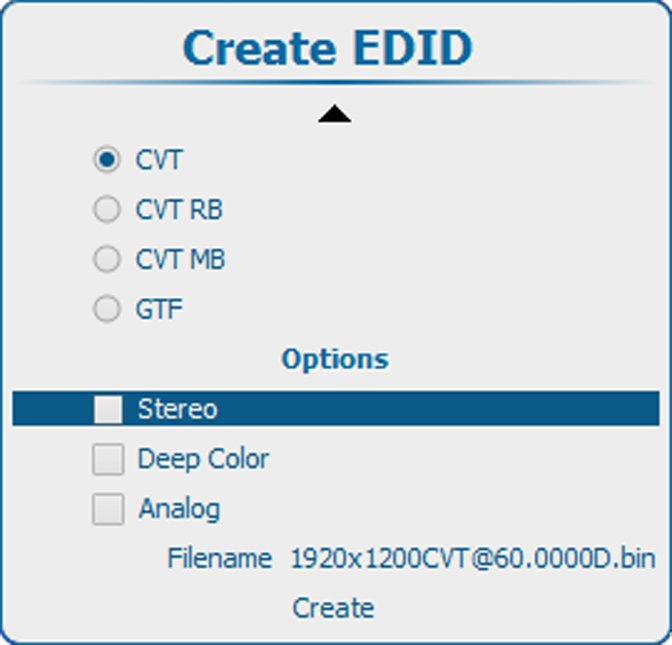
The following options are possible:
A filename is proposed. This proposed name contains the resolution, calculation, frequency and a D or A for digital or analog.
To change the file name, select and press ENTER to open the edit box.
Click inside the edit box and change the name to the desired name.