What can be done?
An existing task in the list of tasks can be edited and saved with the same name.

An existing task in the list of tasks can be edited and saved with the same name.
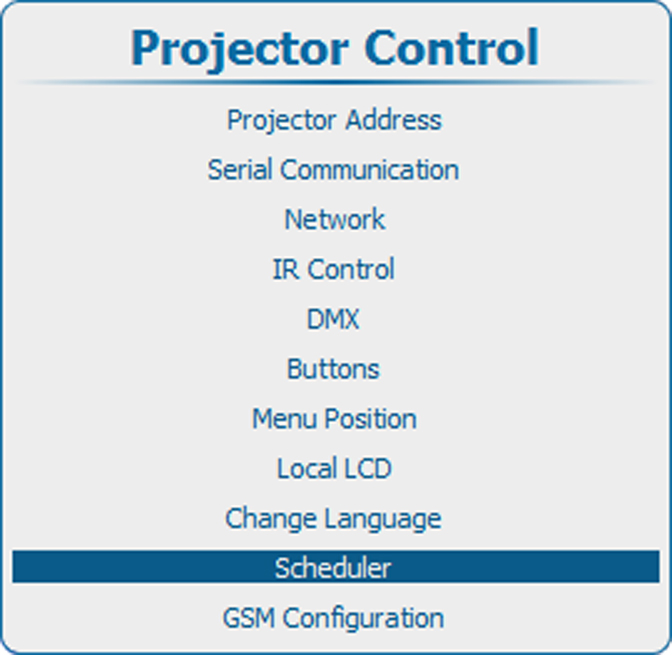
Press Menu to activate the menus and select → → .

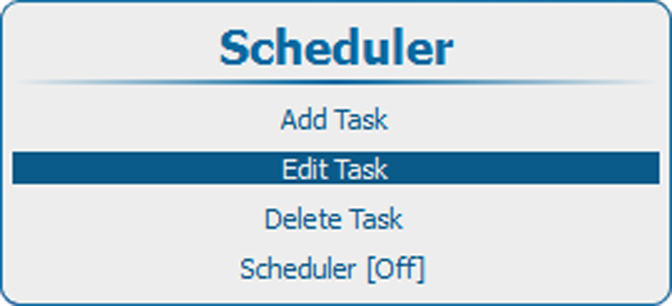
Press ENTER to open the task selection list.

Use the ▲ or ▼ key to select the desired task and press ENTER
The edit task window opens.
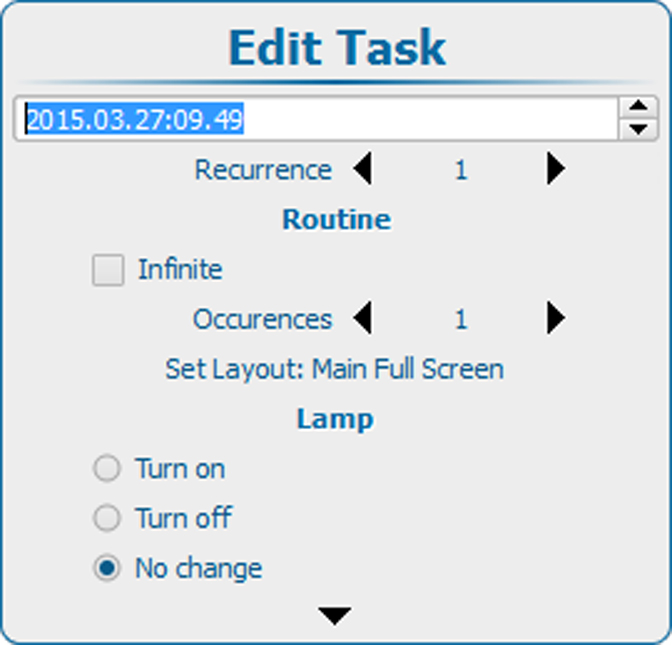
The following items can be changed in the same way as creating a new task. For more info, see “Add a task to the list”:
