About rotating
The image can be rotated around a predefined point. This is considered as an equal rotation of the 4 corner points in 2 x 2 mode and with the full area selected. The default rotation point is the center of the image.
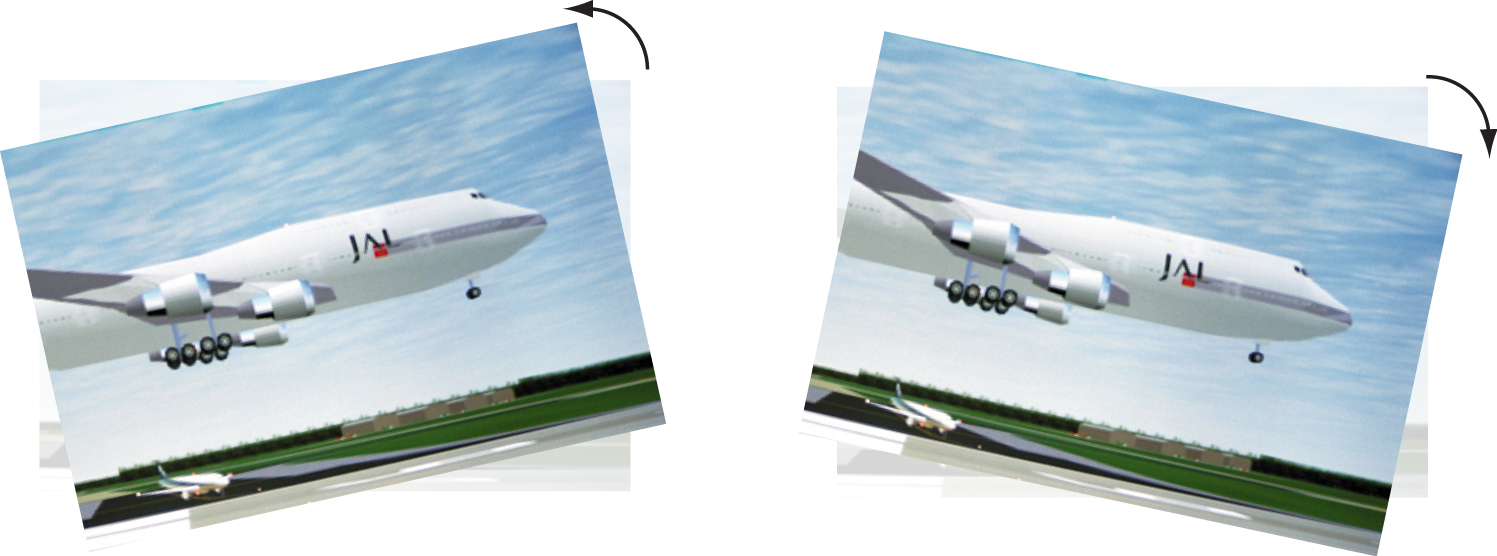

The image can be rotated around a predefined point. This is considered as an equal rotation of the 4 corner points in 2 x 2 mode and with the full area selected. The default rotation point is the center of the image.
Select full image as warp area (1).
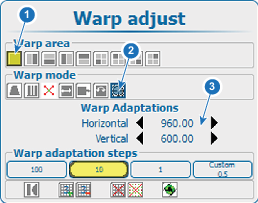
Select Warp Adaptations and use the arrow keys to move rotation point to the desired position (3).
press ENTER when an item is selected and use the 4 arrow keys to adjust.
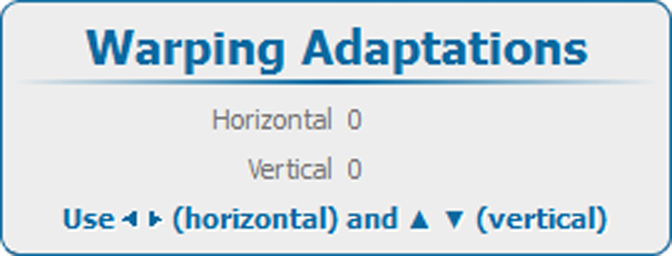
Select full image as warp area.
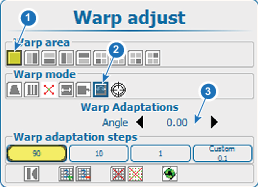
Use the ◄ or ► key to change the rotation .
press ENTER to open the Warping Adaptations window. Use the ◄ or ► key to change the Angle.