General
In this procedure, you will capture the inputs or background inputs as a Stillstored image.

In this procedure, you will capture the inputs or background inputs as a Stillstored image.
Captured Stills are used as thumbnails in general in the interface once they are used in a layer or destination.
Click on the Camera icon.
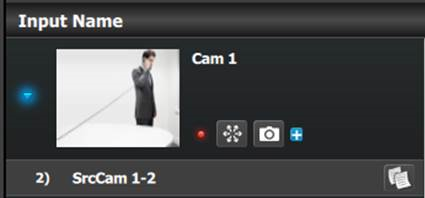
The icon momentarily changes to a grayed out version with a red "x" above a frame from which the input signal is captured into non-volatile memory.
As a reference 100 still stores of 2K resolution can be stored, if the size of the still is bigger, the memory allocation increases allowing for less number of stills. Image can be imported as described in the Operation Section below.
Still Stores can be used in Backgrounds and Layers.