General
In this procedure, you will capture the inputs as a Stillstored images.

In this procedure, you will capture the inputs as a Stillstored images.
Captured Stills are used as thumbnails in general in the interface once they are used in a layer or destination.
Click on the Camera icon, the icon changed to a crossed over version and the input is captured into memory.
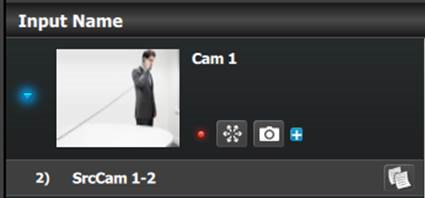
As a reference approximately 50 HD or 12 UHD stills can be stored, if the size of the still is bigger, the memory allocation increases allowing for less number of stills. Image can be imported as described in the Operation Section below.
Still Stores can be used in Backgrounds and Layers, but will need to be added from the right section in the Input Resource tab.