Prerequisites
- The device must be registered to be visible in Insights Management Suite. For more information, see “Device registration”.
- The device must be connected to Barco’s secure cloud platform to enable use. See chapter “Connectivity”.

Navigate to https://insights.proj.barco.com using a browser of choice.
The window will be prompted.
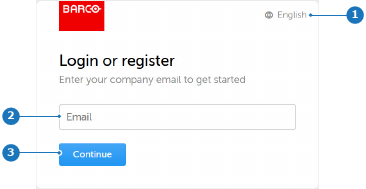
Click (reference 3).
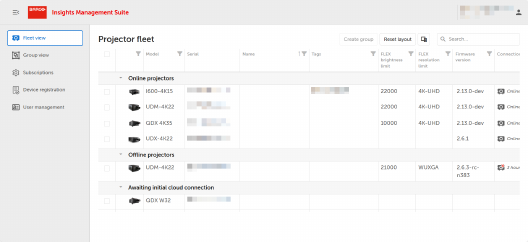
The IMS main dashboard will be displayed. For more info refer to “IMS main dashboard”.