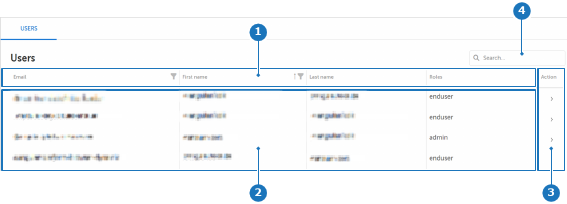
About user management
The is used to manage user roles and permissions. When someone joins Insights Management Suite for the first time, they are automatically given the end user role. All users who belong to the same domain (organization) will see the same , since they are part of the same group, and the first user to access the system has the option to claim the role and can then assign roles to other users in the organization.
There are three roles of users:
- : Can only view the fleets of the devices.
- : Can manage the fleets and control devices.
- : Can do everything a can do, and also manage and reassign roles for other users.