Location
- Navigation side bar:
- Left panel:

Some lists have large amounts of entries. Making it difficult to get an overview and time consuming to find what is needed. For this reason the following lists can be organized:
Each list follows the same general procedures to organize. The following procedure is written for source organisation, but is applicable for each type.
Folders group desired entries into one cohesive list. Removing clutter and entries that are not relevant for the current actions.
A maximum of four custom folders can be displayed at a time. Additional folders will be stored under the option of the folder menu ( ) at the top right of the left panel.
Is the organisation for the sources?
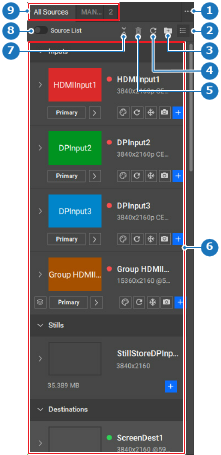
Select the desired entries from the sources (reference 6, Image 8–99).

Must the selection be added to an existing folder?
 ) (reference 3, Image 8–99) and the selection to the desired folder. Go to step 5.
Create a new folder.
).Enter a name for the folder in the input field after .
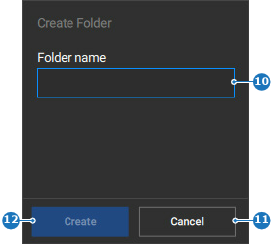
If there are less than four folders visible, then the new folder gets added to the source folders (reference 9, Image 8–99). Else it gets added to the folder menu (reference 1, Image 8–99).
Click the reorder icon ( ).
).

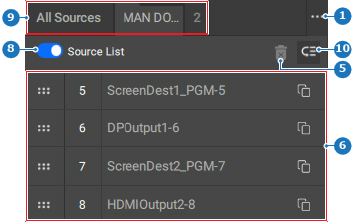
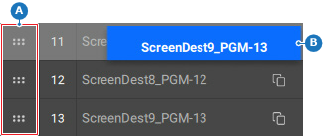
Drag (reference A) and drop (reference B) any source to its desired position in the list.
 ) in the header.
 ).
).