Prerequisites
Connection with the control port of the unit is required. For more information, see “Control connection”.

Connection with the control port of the unit is required. For more information, see “Control connection”.
The web page can be accessed using one of the following methods:
Open a browser of choice.

Navigate to the IP address of the Encore3. For more information about the IP address, see:
Is the web page password protected?

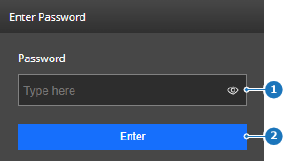
 ) in the input field.